Introduction to photoshop
In the workshop, I got to use and work with photoshop for the first time. I learned quite a few things when working which include how to choose canvas size and just general tools you can work with.
I learned a few things in the workshop like how to change the setup to fit what you need, like the navigation tool, brushes, and layers which are all on the right-hand side. I also quickly got to use the magic wand tool, paint tool, pencil tool, and quick selection tool.
I also got to use a graphics tablet where I played about with the software and tried out small sketches and used different brushes, tested out pressure sensitivity, and just got a general feel of photoshop.
Robot design and how I created it
I really liked the idea of creating a robot character and there was a lot of inspiration that I had in mind to help me create it. I had the idea to make a war or spy type of robot that is fast and smooth.
Inspiration I had
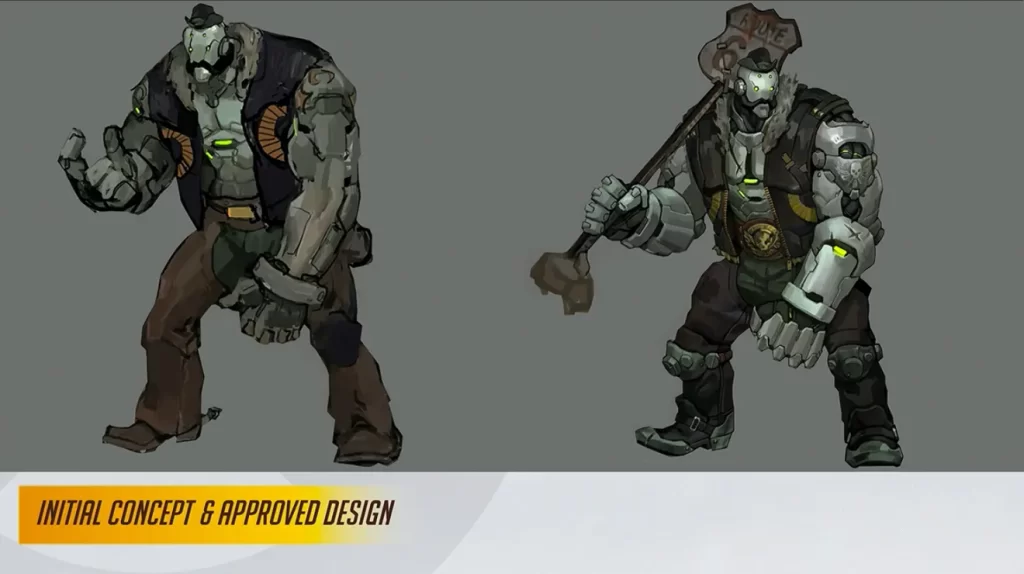
I first thought of Bob from Overwatch as I like the simple design of the head and the whole design of him feels somewhat passive and soft but the body makes him look ready for battle. I particularly like how his round shape makes him look more like a protector rather than an enemy.
I took this idea into my final design as I felt it fits with what kind of character I wanted.
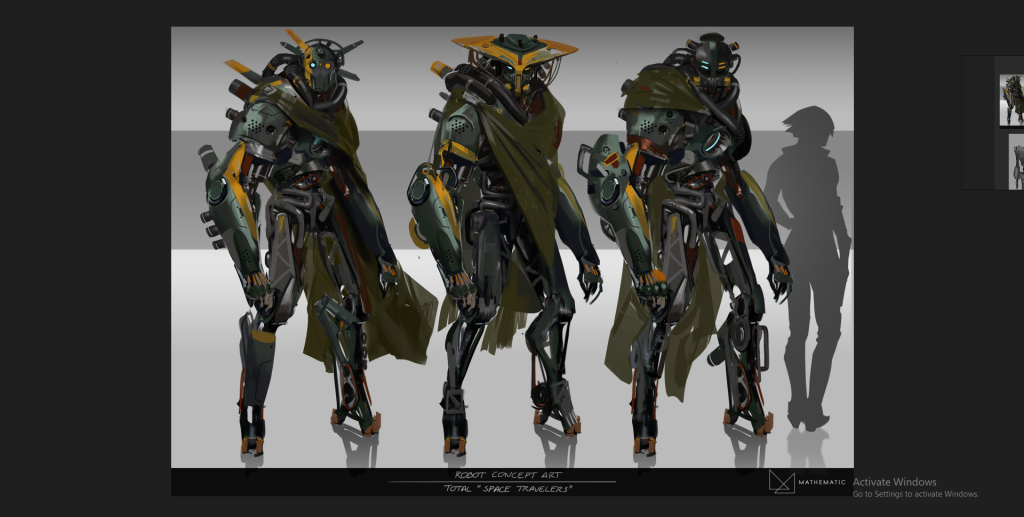
I liked these designs as well as I liked the detail ‘Space Travelers’ had as it made it feel more human and passive but a bit intimidating, I took bits of this concept and tried it with mine including the shawl, and tried out different variations of the head like the artist did.
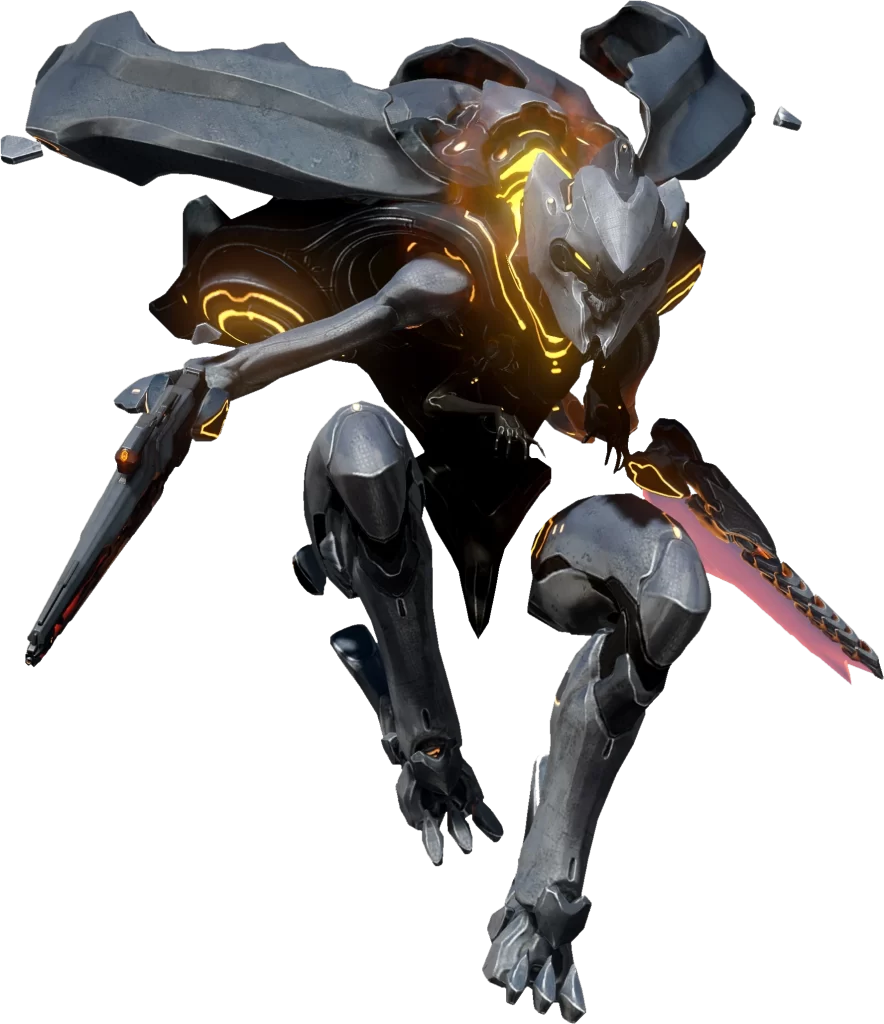
I particularly liked the body of the robot from Halo as it felt fast, I took the legs of this design and tried it out but ended up not liking it and going with another idea.
The design process
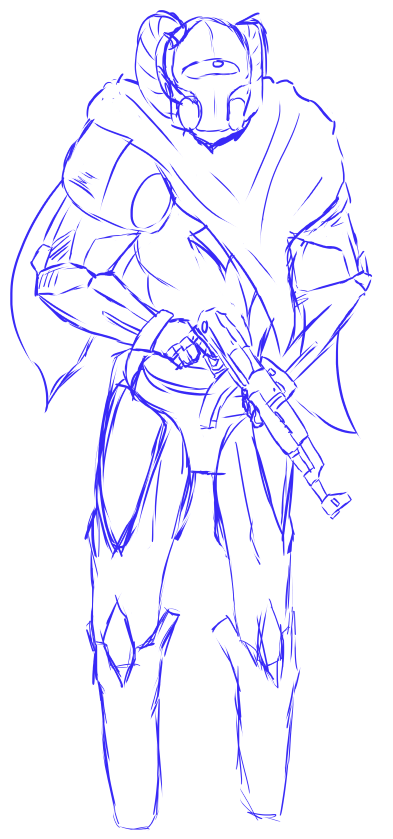
This is the original sketch I made which basically took most of the inspiration I had from the pictures and put it into one body, I did quite like this design however I tried out a few options for the head (Below).
A couple of things I kept with this design was the rigidness of the arms and legs however since I wanted a more passive design this one didn’t really feel right, I also liked the head but merged it with a few of the designs to fit with what I particularly liked about Bob, Overwatch; the simple and effective design.
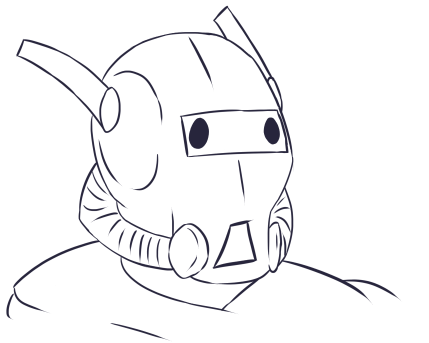
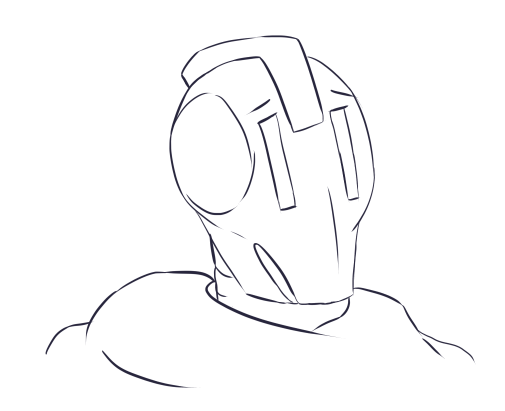
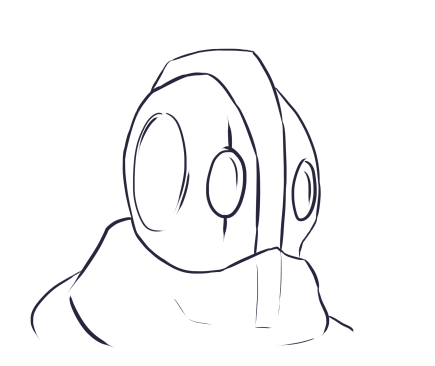
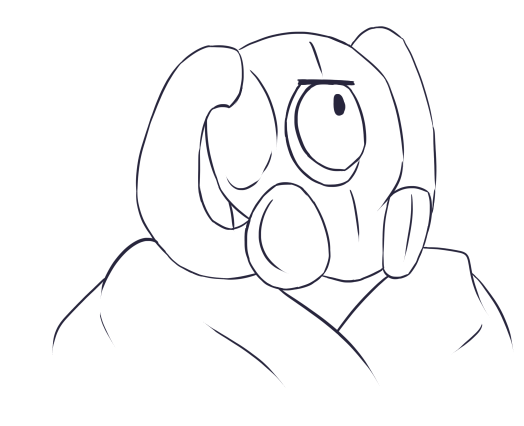
I drew 4 variations of what I felt could go with the design, I particularly liked the bottom one as I felt the single eye worked well with the shape of the head however I didn’t really like the bit on the side of the head because I couldn’t really think of why it would be there so it didn’t really look right, I ended up going with this design as the head but without the side parts.
The Final Design
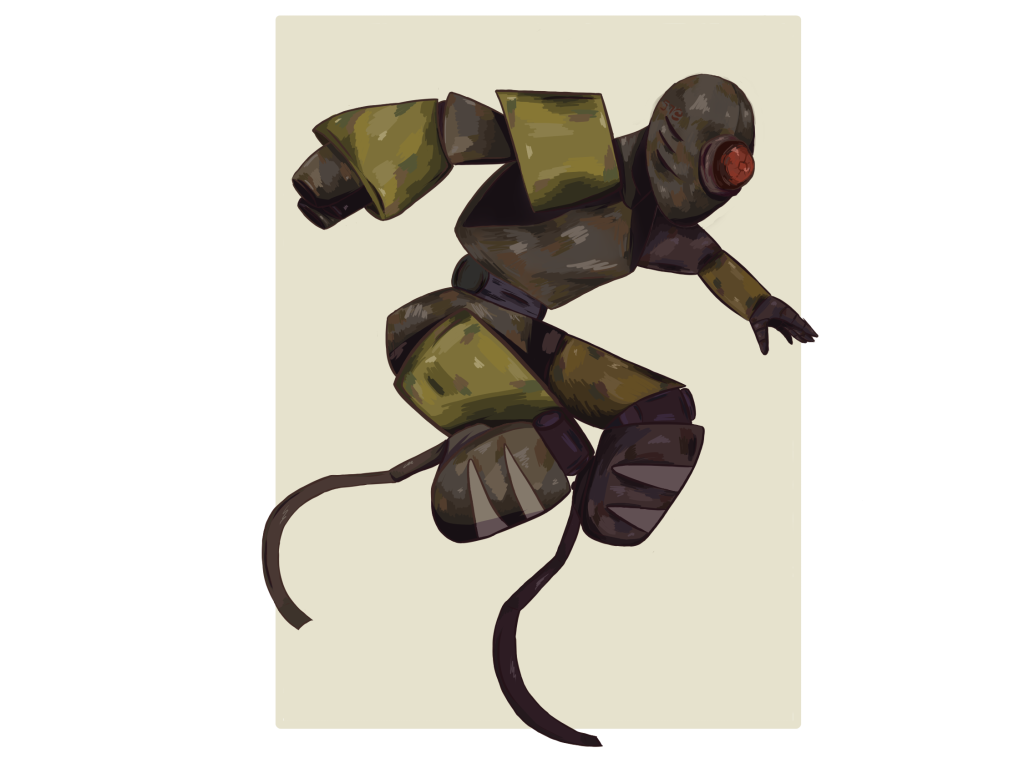
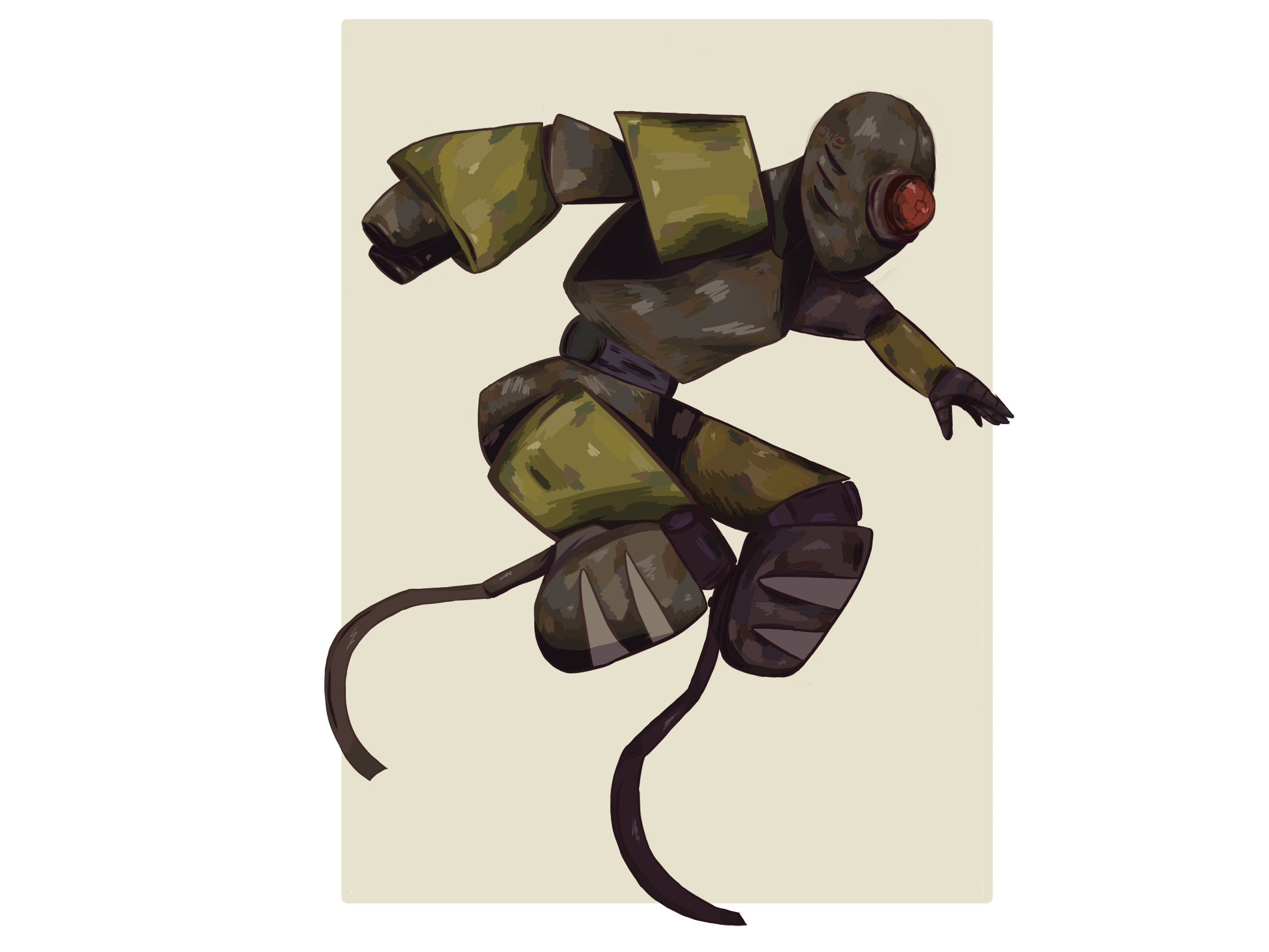
This is the final piece of my character design, I took the head of what I originally liked and took away the side pieces which I ended up changing the body completely to something less human-like.
I had a new idea for the legs of the robot as I didn’t really like the rigidness of the original ones, I thought about Chell from Portal and the bionic legs that she had to take no damage from falling which is what ended up changing the entire design.
I did really like how this turned out as the ideas flowed a lot easier and it fits what I originally planned for.
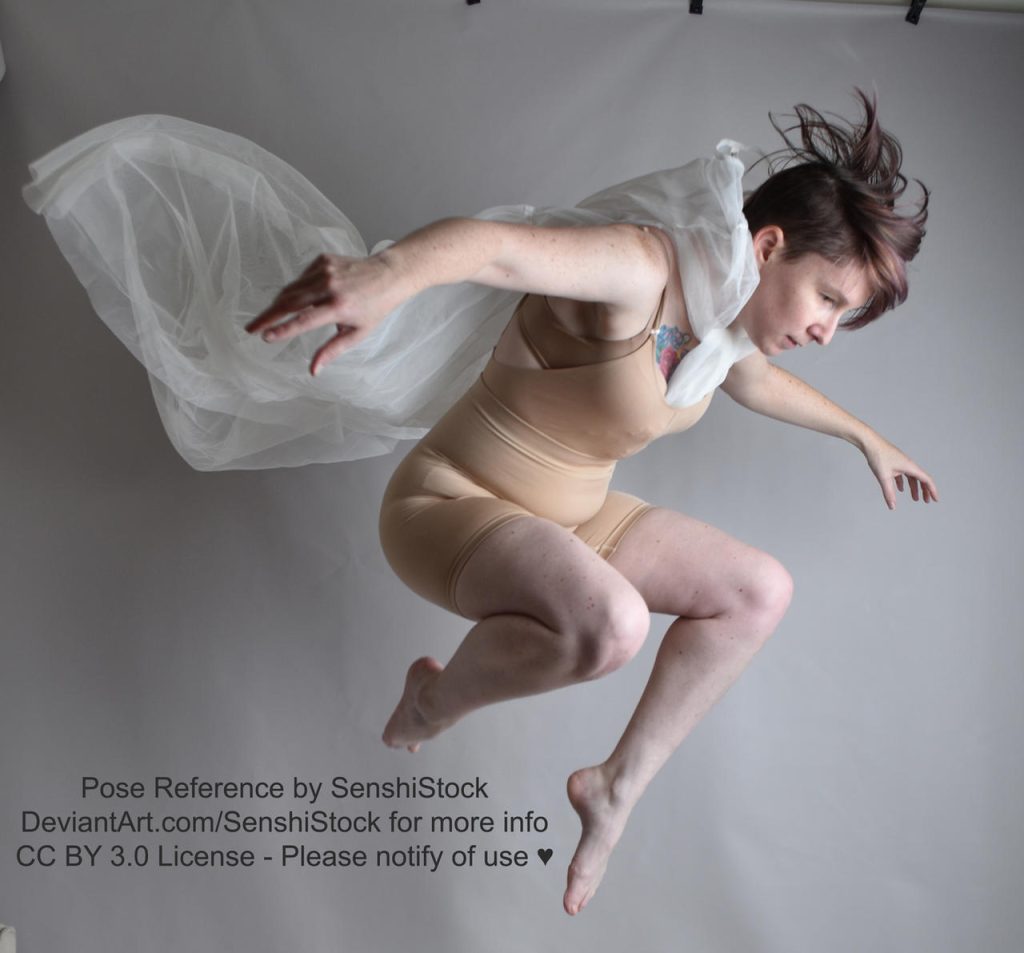
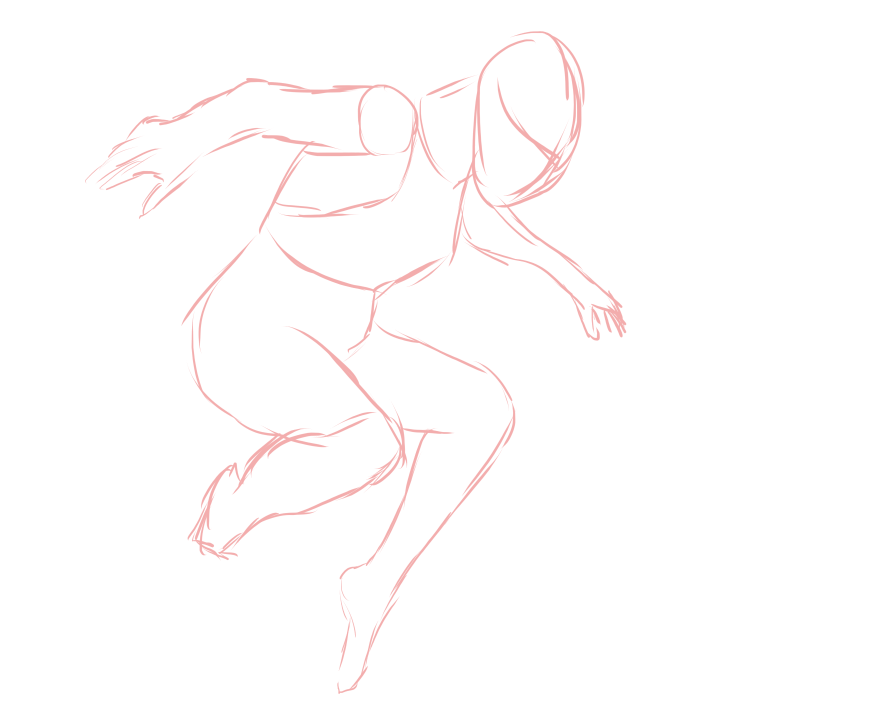
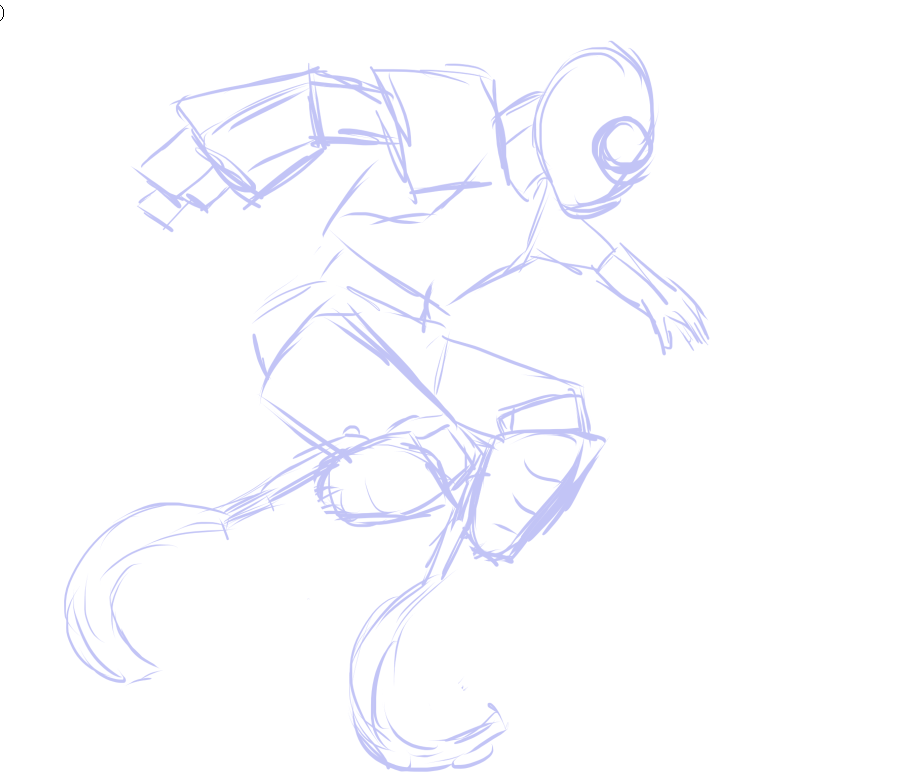
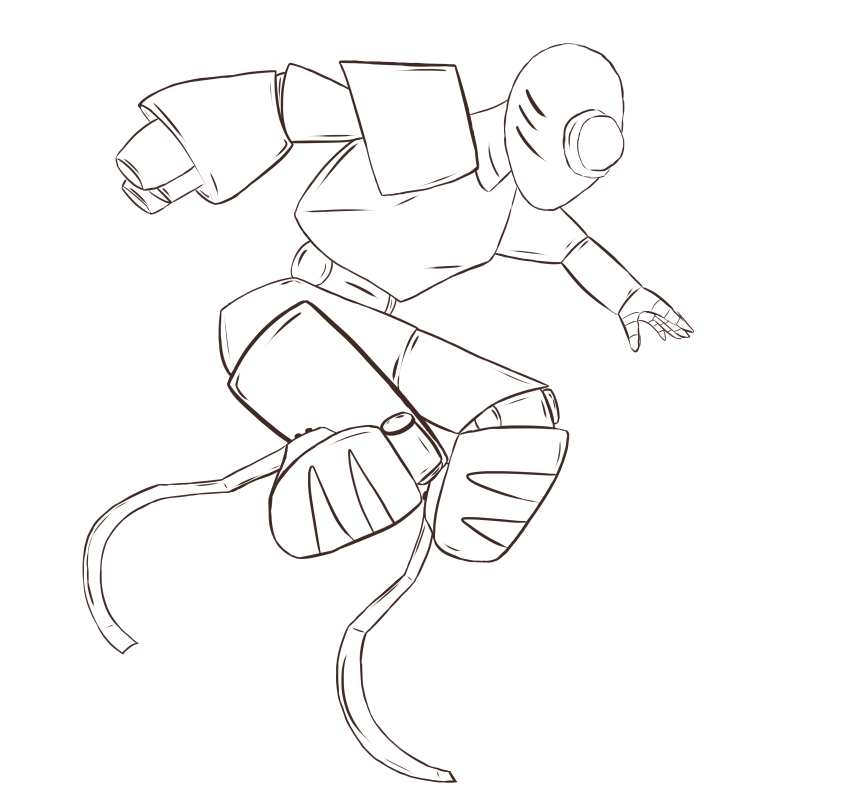
I used the software ‘Krita’ to draw this character as I did this in my own time so some of the tools worked a little differently than they do in photoshop. I started with an image I found off of google for the body pose reference and traced over it to give me a general idea of the body, I then added a new layer and used shapes like rectangles and ovals to create the limbs, this is where I decided to add a gun to one of the arms as I wanted the whole design to fit together rather than have something that looks optional to the character.
The style I went for is mostly quite a comic book style as when I was adding in shapes it fit really well and the dramatic pose made it look as if it was in action.
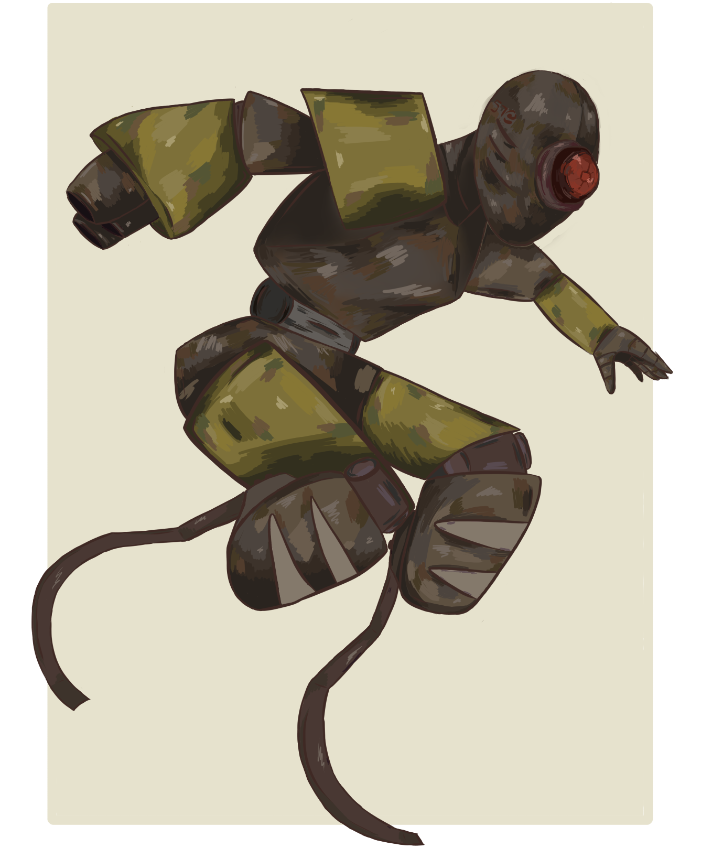
After the lines I added colour to it where I first started with base colours on a separate layer underneath which I kept mostly the same to keep a consistent style; I then added different layers to separate some of the colours including keeping the furthest parts of the body lower and the top ones higher up.
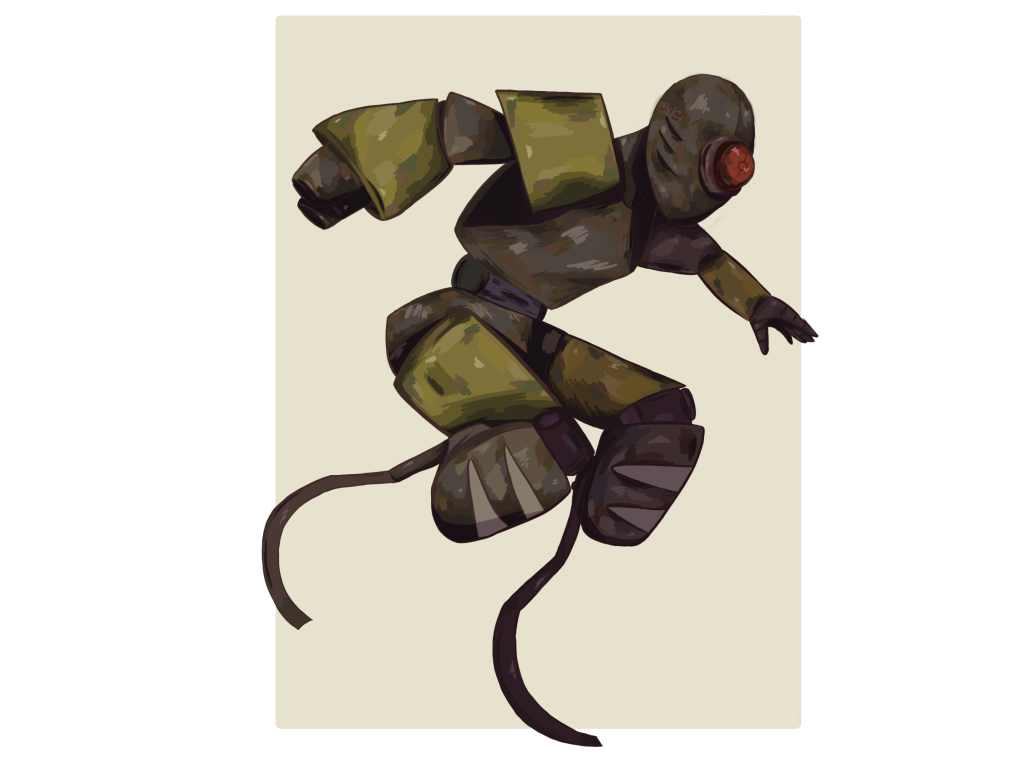
To add more style to it I started with the shading and adding a Soft light which is a blending tool for the layer that prevents the strength of the brightness increase if the lower pixel is lower than 25%, this helped to create darker shadows without having to draw over the image.
Below you can see a slight difference that layer did which made a massive difference to the overall quality by adding depth:
What I like and what I could Improve on
I really like how this turned out, particularly the shape and the aim of the character, I feel like what I wanted was a robot design that felt fast and slightly human-like. The minimal detail means that you don’t look at too much at once and focus on what the character is doing then notice the little details the more you look at it, I tried to make it so it looks neutral with sharp and soft shapes to balance it.
However, something I would improve on in this piece is the shading and bringing more contrast to the background arm and leg as I feel they blend together a bit too much.
Altogether I learned how to use photoshop and create a basic character digitally using software, I feel like I got to learn more about what certain tools do since I never really touched them before, and also how and when to use filters and blending tools.
References
McWhertor, M. (2018) The making of overwatch’s next hero, Ashe (and Bob), Heroes Never Die. Heroes Never Die. Available at: https://www.heroesneverdie.com/2018/11/2/18057328/overwatch-hero-29-ashe-bob-concept-art-blizzcon-2018 (Accessed: September 28, 2022).
Augis, F. (2016) Space Travelers, Robot concept art, Tumblr. Available at: https://fredaugis.tumblr.com/ (Accessed: September 28, 2022).
Forde, S. (2019) Dramatic falling action pose reference, by AdorkaStock on DeviantArt. Available at: https://www.deviantart.com/adorkastock/art/Dramatic-Falling-Action-Pose-Reference-818628026 (Accessed: September 29, 2022).
Leave a Reply