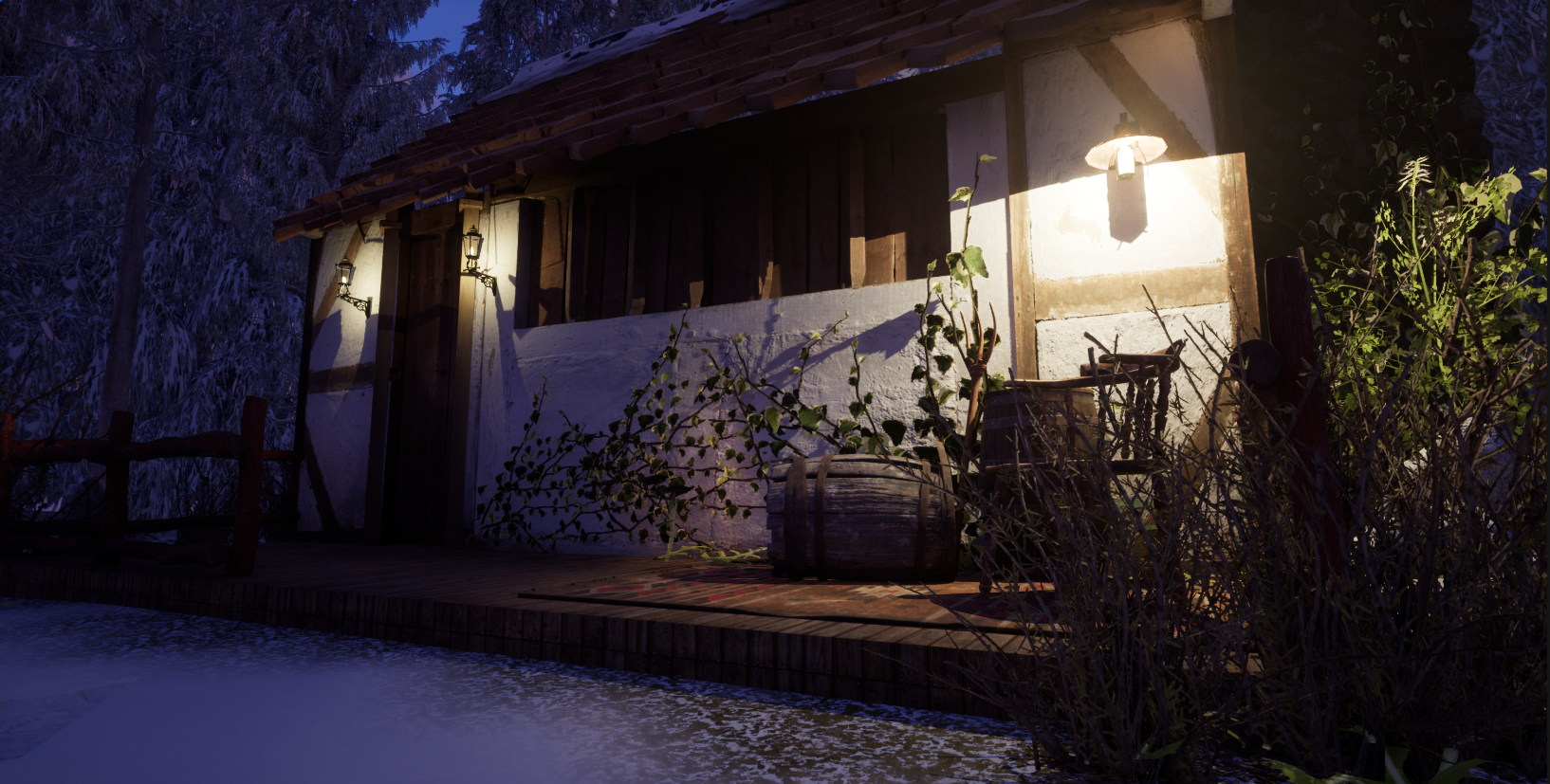
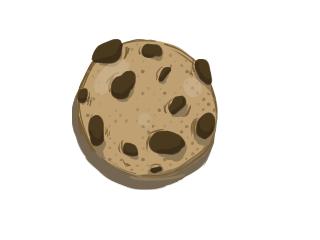
Cookie clicker link: https://meg-h.itch.io/cookie-clicker
I found this game a bit difficult to follow at times, since it was my first game I did face quite a few issues but have resolved pretty much all of them. I liked the design I originally had for this, which was supposed to be a plant clicker however I didn’t particularly like how it blended into the background too much so I ended up with a cookie clicker clone; I used the plant background I had created to make a soft homely looking game.
Scripting
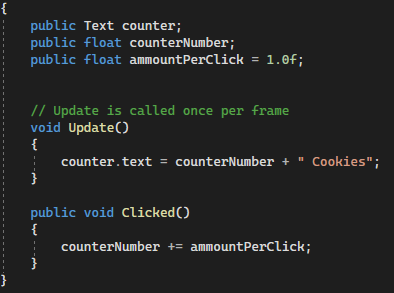
I first started with the clicking script which basically allowed the cookie to be clicked and I could link this up to the text that I added in to count and visualize how many times the cookie has been clicked.
The text I put at the top of the screen was so it can be visualized when the program runs it will say 0 Cookies.
To make the button actually work and add a cookie when it is clicked I had to add an ‘on click()’ UI and apply the script.
Upgrades
After the basic scripting for clicking and counting the number of clicks, I added an upgrade for the cookie, I started with the click power which adds on more clicks when you purchase the upgrade.
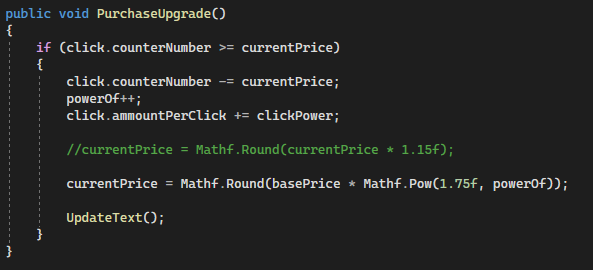
I used an if statement so the script is only activated when it is purchased. In this case, it is adding up the price, since this upgrade click power doesn’t change it is just the price that needs to be changed.
Using the Mathf scripting allows for the calculation of automatic prices which go up every time. Another thing I added at the end was the update text function so it updates the text after increasing the price.
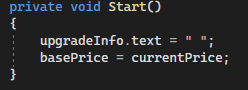
This code automatically adds a price when the game is running, this will mean it will show a blank space and reset the pricing to the base price.
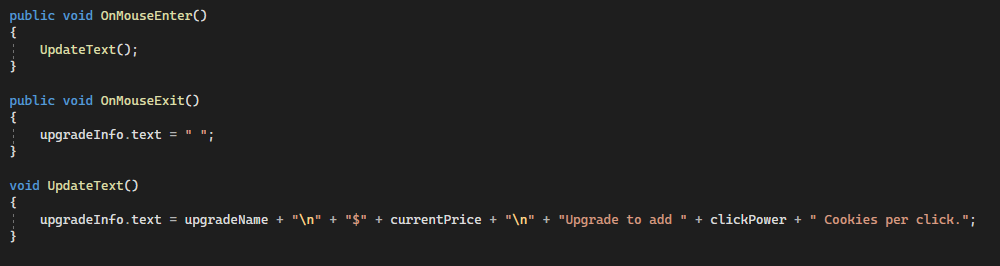
This last bit is very simple, when the mouse is on the button it is using the update text function to show the pricing and then when the mouse is no longer on the button it will show a blank space giving the illusion that there is no text. The update void UpdateText() function is where the text information is stored.
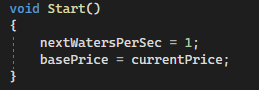
The second upgrade this script is the start of what the upgrade will do when purchased which is to add to the counter automatically to count clicks.
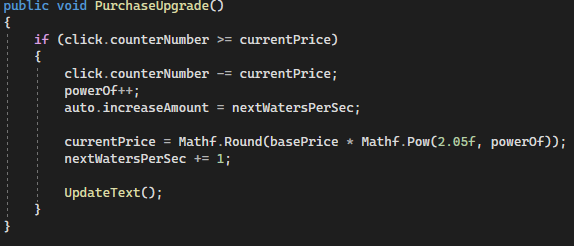
This script is similar to the previous one except that it is using coroutines to automatically do this every so often.
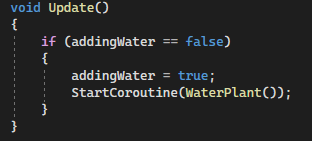
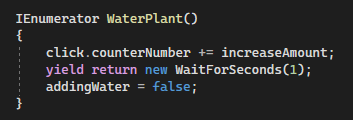
Other than this the script for this is practically the same with updating text.
Sprites
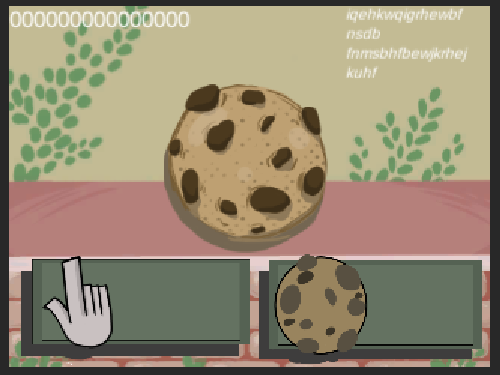
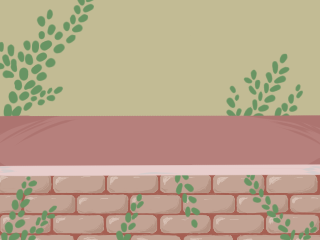
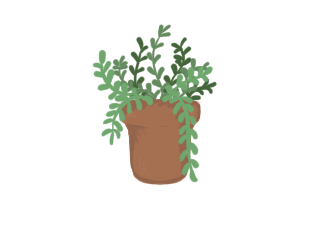
The original idea was a plant clicker like you are watering the plant every time you click it but I ended up not liking the plant idea as it blended in with the background and I really liked the background.
I made the buttons for the upgrades in Illustrator and used Unity to split them into separate sprites so I could use a sprite swap on the button to make it look like you are pressing down the button. They automatically lost quality when they got put into Unity due to their size and aspect ratio of the game which made it more pixelized.

Feedback
I was pretty much done with this one by the time I asked for feedback so the feedback was generally pretty good.
- The tester was engaged and seemed to enjoy it, I let them play for quite a bit and they didn’t seem to get bored or frustrated with it.
- They like the art and said that it feels like a mum’s kitchen so it is relaxing which is what I was aiming for as I felt like a lot of cookie clickers are in your face and quite vibrant.
- Gets a bit expensive quickly but does think it is rewarding, I never really tested it after a certain point so I didn’t know what point would make it a bit too much.
What I think I would do to make it better is to add more upgrades or tweak the ones I have so it doesn’t get too much too quickly.
Using the feedback
I started by changing the layout of the UI because it was really bothering me with the placement so I remade some buttons which fit more with the colour scheme but also stood out and had the text for the players to understand what they are before reading the description; I also added a side bit which was transparent so I could put the buttons there.
One small thing I changed to help with one of the points was to change the click power from 2 to 1 which added a slight challenge and prevented it from feeling too easy to start with but not too challenging.
How I could develop the game further
I feel that to stick to the incremental game theme I would add further features like extra buttons that are unlocked through getting more upgrades to invest the player into getting to these stages.
one thing I received feedback on was the game getting too hard too quickly so I would adjust the coding with it so that the amount that is added on each time doesn’t get too expensive too quickly which can make the player get bored or frustrated easier.
What I learned
- Basic scripting in Unity.
- learning how to implement scripts to UI buttons.
- How to change sprites and changes to buttons when they are pressed down.
Leave a Reply