Category: Art and Animation Fundamentals
-
Week 10 – Principles of Animation 2
In this workshop I had to use Unity’s bone rigging to create animations out of a photoshop PSB file, this is a file that allows more information to be stored including the layers and their properties including shape and position. Bone Rigging To start I downloaded the given file BlueNinja and added it to a…
-
Week 9 – Principles of Animation 1
In this week’s lecture, we looked at 2D animation and a simple walk-and-jump cycle. Creating the sprites For the workshop, we were given a prompt to create character sprites including: I started by opening a photoshop document, the size of the document was 384 x 384 and creating a 12 x 12 grid where each…
-
Week 8 – Anatomy and Charater Design
In this workshop, the task was to use a guide to create a character on the default 3/4 position. I started by using 8 equal circles, this helped to create the right body proportions with the help of a guide I was able to make a body using shapes before turning it to the side.…
-
Week 6 – Pixel Art
Making a pixel rabbit in photoshop In this workshop I learned how to create pixel art using photoshop, I started by opening a new document and making it a 32 x 32 artboard, this means that I am able to create more after the first drawing I make. Next, I chose the pencil option and…
-
Week 5 – Colour theory and Shape language
Colour and shape theory In the lecture, we looked at famous video game characters and their shape and colour. Creating Top-down shooter assets In this workshop, the task we got was to make assets for a top-down shooter game including the player, an enemy, and the bullet. I came up with a silly idea of…
-
Week 4 – Composition and Perspective drawing
Perspective and composition In the lecture about this topic, I learned about the different perspectives used and composition types. I found that this was quite helpful to see how to draw scenery and understand where the vanishing point goes in pictures and references. One point perspective This perspective allows for only one vanishing point which…
-
Week 3 – UI Design
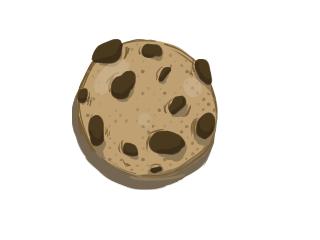
Creating cookie clicker UI I used Krita and Photoshop for both of these to save time when making my cookie clicker as I was more familiar with them. The task was to create UI buttons for the game project we are working on in another module, a Cookie Clicker game. I originally made a basic…
-
Week 2 – Photobashing and Manipulation
In this workshop, we looked at more photoshop tools and how to use them we started with one that we used last time, the quick selection tool which I used to remove the sky of this picture with the second image as the one in the layer below. I used shortcuts such as Shift or…
-
Week 1 – Introduction to Photoshop (Character Design)
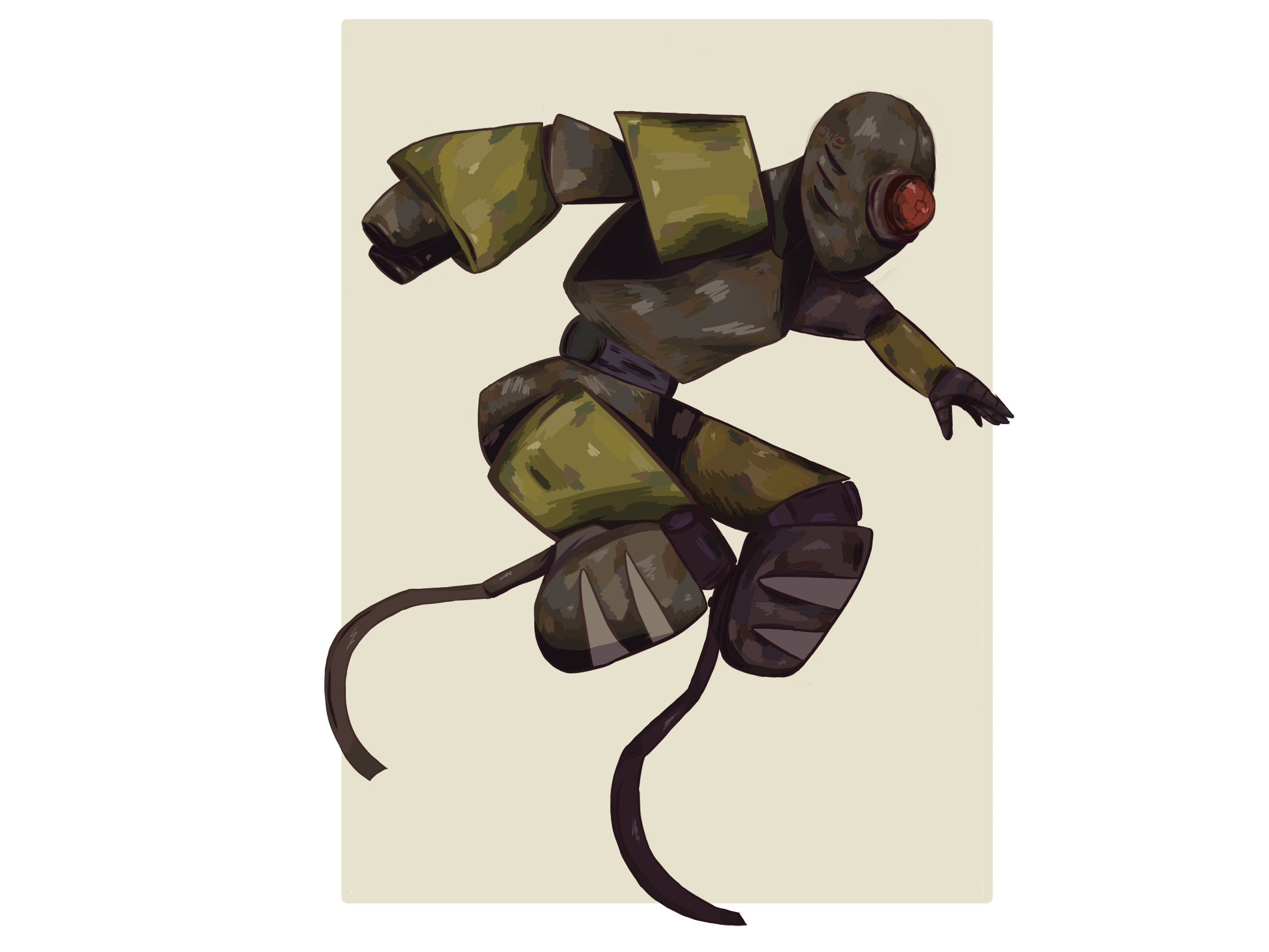
Introduction to photoshop In the workshop, I got to use and work with photoshop for the first time. I learned quite a few things when working which include how to choose canvas size and just general tools you can work with. I learned a few things in the workshop like how to change the setup…