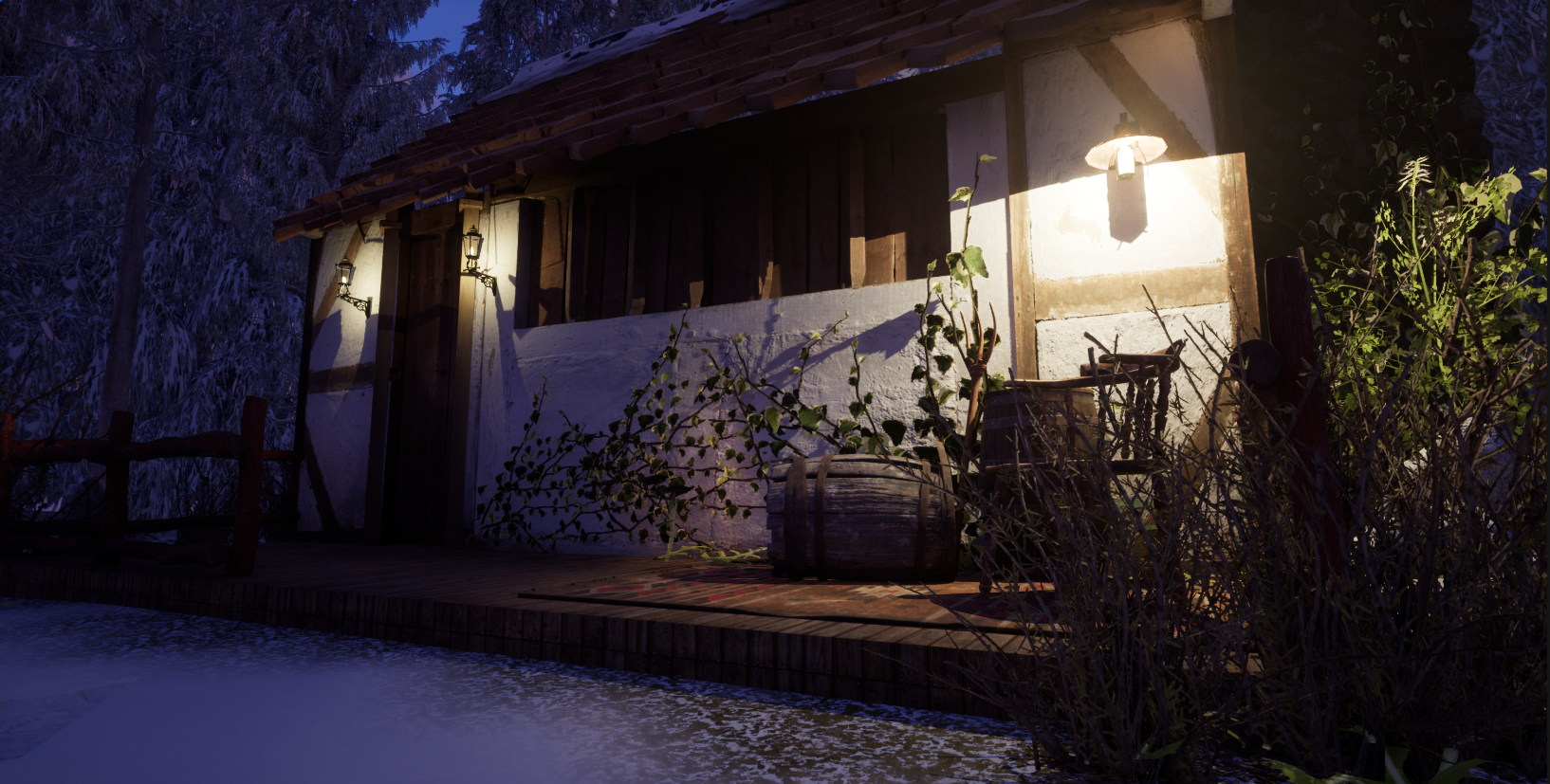
Category: 3D Asset Design
-
Final render
Beauty shots Rendered Video What did I like A few things I really liked were the detail on the wings and how the details look with the texture, I wasn’t entirely sure I liked the model or if it would look right until I implemented the texture. I like how the angel sticks out below…
-
Camera and Lighting
Before rendering I have to set up the lighting and camera, I am going to start with beauty shots and render 3 of them, one close-up, one whole model shot, and a focus on a specific detail. Lighting I chose to go with a simple lighting set up which is 3 point perspective I used…
-
Uv and texture
I first added an automatic UV to the whole model, this would allow me to add textures and pack the bits I need to into these separate textures to avoid them crossing over. For the wings I originally tried to put them together but there were a lot of faces to pack so I ended…
-
Model process
When moving on to finally making the model I took the design that I sketched and used that to help me, I made sure that I planned it out before going into the model. full design to help me with the process: Modeling I started with the basic shapes, the backpiece was inspired by one…
-
Design for 3D Asset
I did a couple of designs as I wanted to try out a couple of the grave designs, I particularly want to go for the option that isn’t too confusing and can easily be changed into low poly. I did both designs with the snow in mind too as I wanted to look at the…
-
3D exploration of the themes
I used the same exploration as I did for the environment design module as the model we have to create is for the environment as a centerpiece. The link to the mind map is here: https://www.canva.com/design/DAFaFtkhlic/7HHNv34Ezi0dK3AaaFrFOQ/view?utm_content=DAFaFtkhlic&utm_campaign=designshare&utm_medium=link&utm_source=publishsharelink I broke these down and used pros and cons for each of them before thinking about the theme for…