In this workshop I had to use Unity’s bone rigging to create animations out of a photoshop PSB file, this is a file that allows more information to be stored including the layers and their properties including shape and position.
Bone Rigging
To start I downloaded the given file BlueNinja and added it to a sprite folder in the assets tab in unity (this automatically turned it into a sprite), I then clicked on the sprite and opened the editor for it.
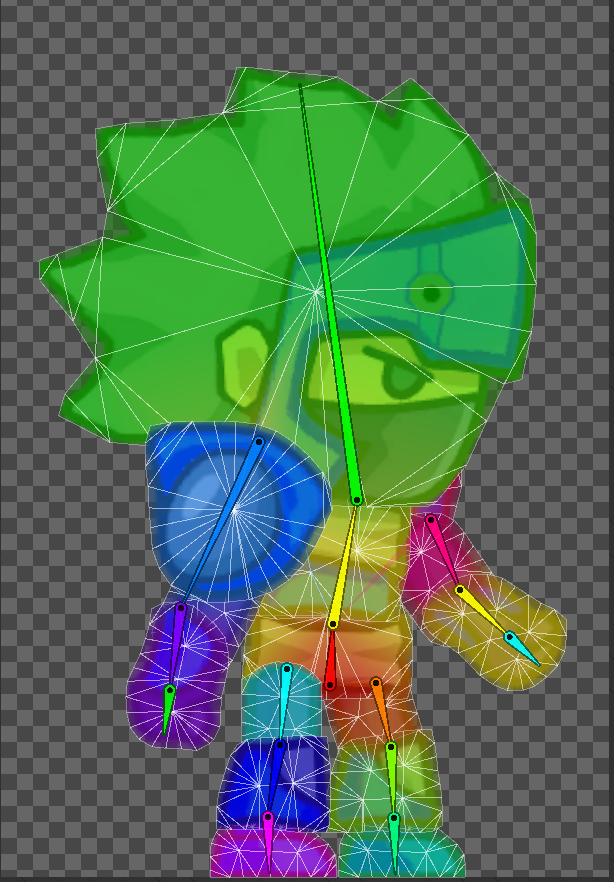
The first thing I did was add bones and started with a ‘root’, this was the base of the sprite and allowed me to connect two other bones for the body and head.
The root also connects to the legs without being actually connected and the same goes for the arms and the body. This means that all of the bones are together under the ‘root’ which makes it easier when animating later.
After adding the bones I then created a geometry border, which allowed for certain bones to be connected to the sprite, I had to delete a few connections from each part, which separated the parts so that they didn’t warp when they are moved.
Adding components before animating
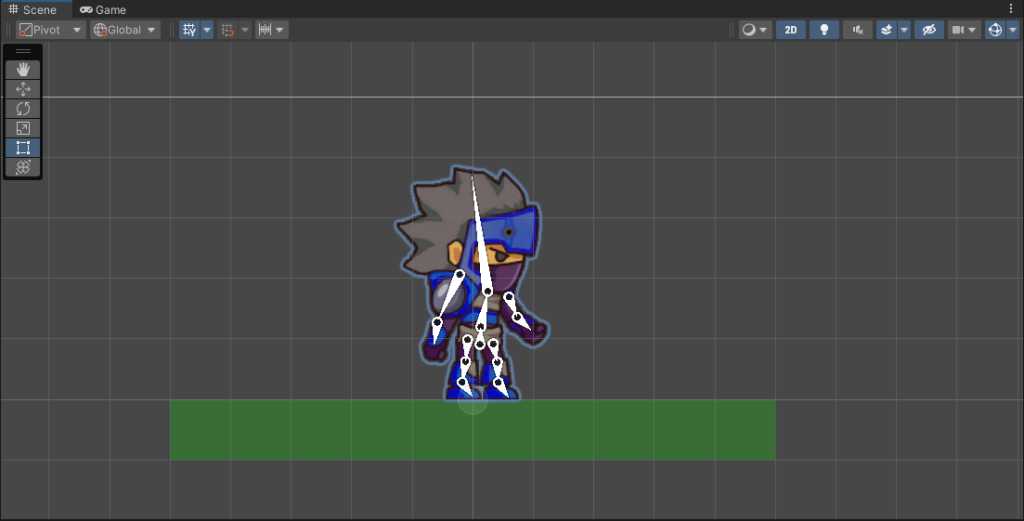
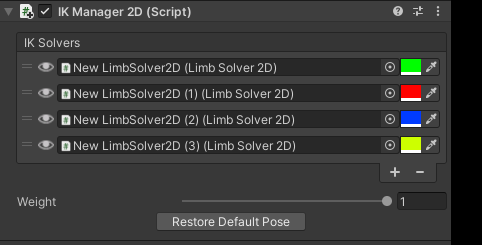
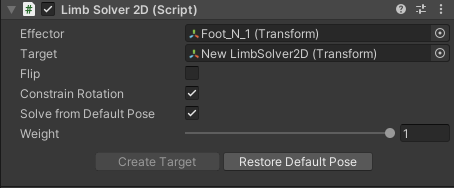
Next, I added it to the Hierarchy and added the IK Manager, this allows for the bones to move realistically in a chain rather than separately.
I applied these to both legs and arms.
Idle Animation
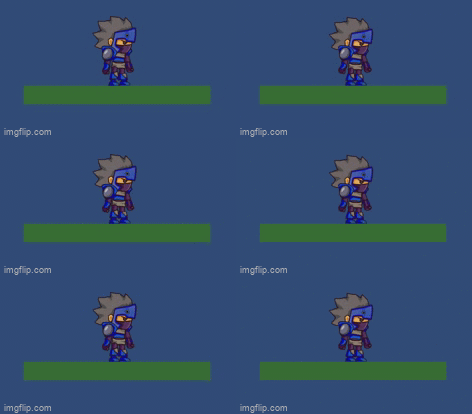
This is the idle animation I made using the unity animator, it was a bit of a struggle to figure out how to work it at first but after watching a few videos and messing about with it I started off just creating this one. I made it so that the character sort of breathes and sways, I used three keyframes and adjusted the body so that the animation tab would help out by adding the frames in-between by itself.
Walk Animation
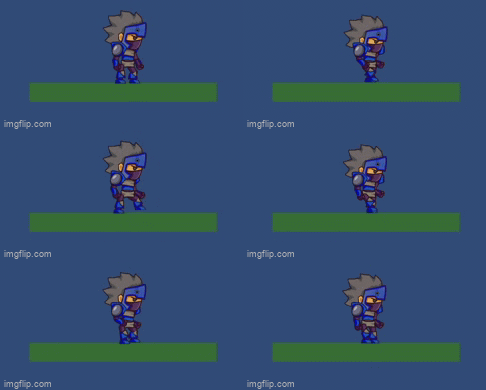
I found this one quite difficult as I was still getting used to how the limbs worked, I played around with it for a while trying out the walks but this is what I ended up with as it was the least awkward looking.
What did I find challenging?
The thing I found most challenging was setting up the limbs for the animation, I spent quite a while troubleshooting and figuring out how the movement of the limbs worked and had to change the positioning of the foot bones so that they moved the way I wanted them to and using the reset position to change the way they moved to when I added the limb solver.
I also found that starting up the animator and figuring out how to use it at first was fairly difficult as I didn’t really have any guidance but I wanted to figure it out myself so I kept testing it and eventually got there.
What have I learned?
In this workshop I learned how to set up PSB files in unity ready for animating, I found this quite useful as I have only tried animating after it’s already been set up, in future projects, this will be good to save time and not have to animate everything traditionally.
Leave a Reply