Perspective and composition
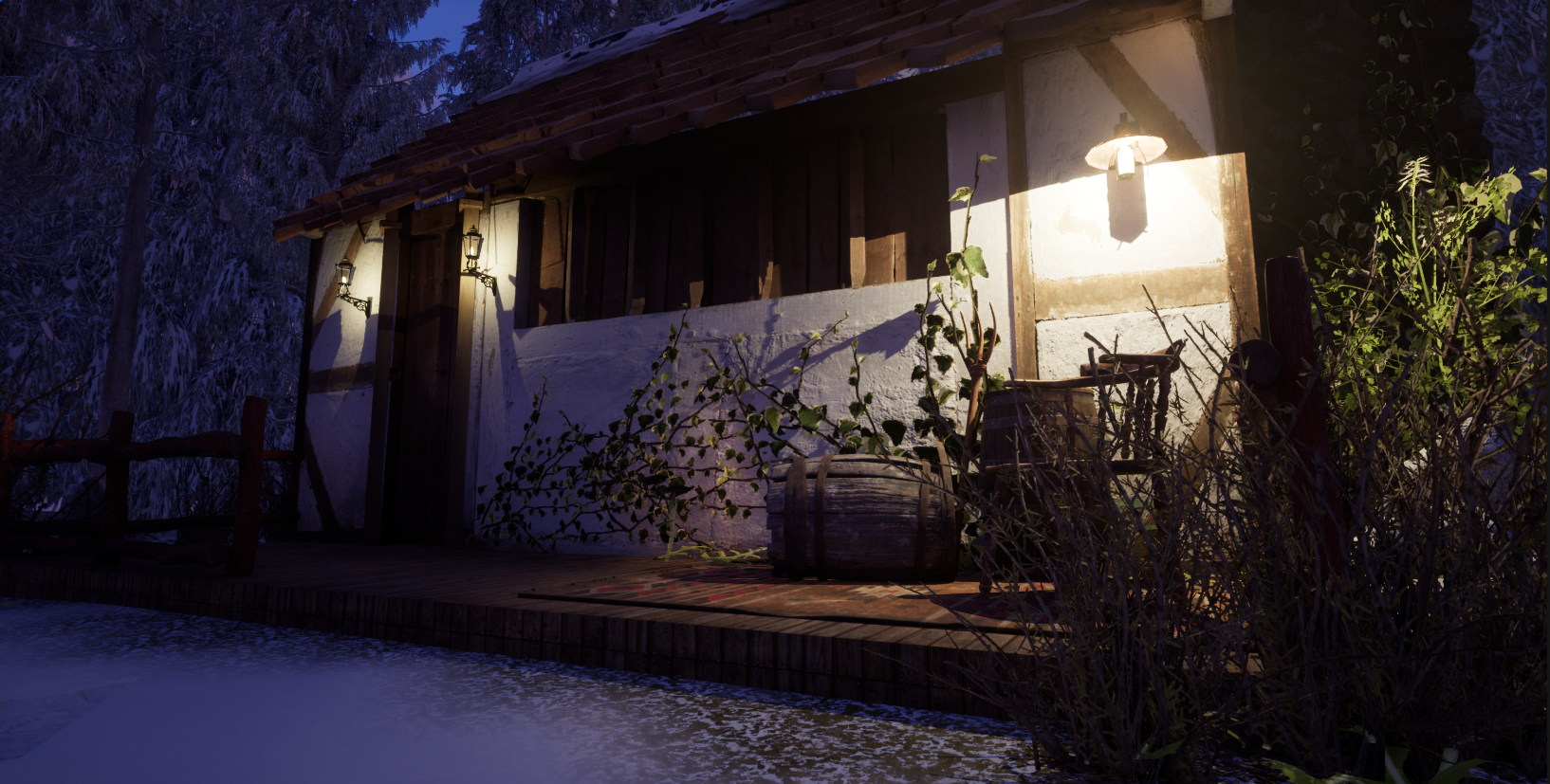
In the lecture about this topic, I learned about the different perspectives used and composition types. I found that this was quite helpful to see how to draw scenery and understand where the vanishing point goes in pictures and references.
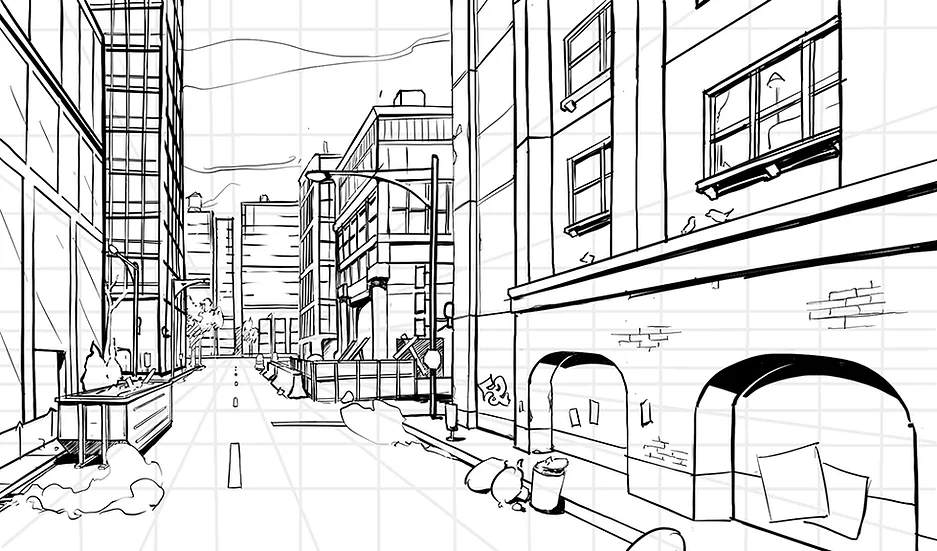
One point perspective
This perspective allows for only one vanishing point which is usually central, an example of this includes:
Two-point perspective
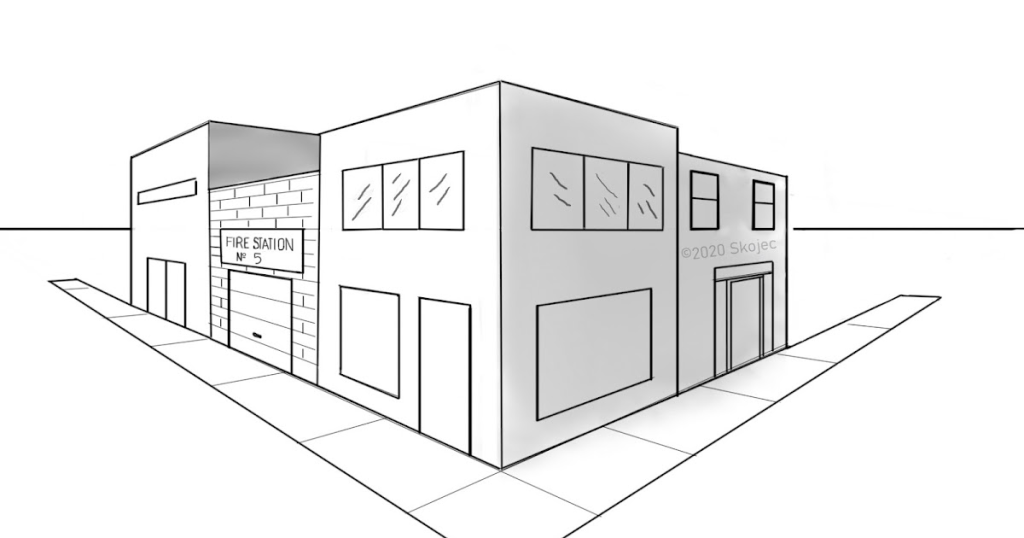
Just like the first one, this has two vanishing points usually from either side of the canvas, an example of a two-point perspective:
Three Point Perspective
This one is a bit more complicated as again it does have three vanishing points but it isn’t as obvious as the other two, this one includes three vanishing points where there are two on either side and one at the bottom, example includes:
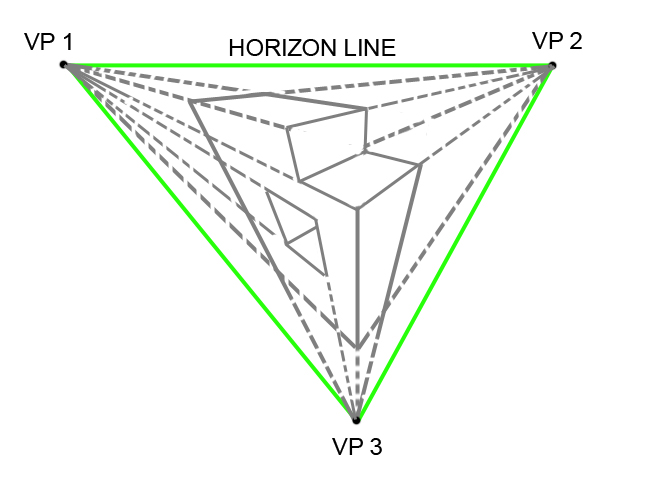
1 Point Perspective
In this workshop, we started by trying out one-point perspective in photoshop and how to set up gridlines to help create accurate perspective to a vanishing point. I just had an idea of creating a simple town setting while trying out making different building shapes and buildings that are further forward with help from the grid.
I started by creating the grid, I added the thirds grid from my files onto one layer then used the polygon tool and used the bar at the top to fill it with lines that would help with perspective.
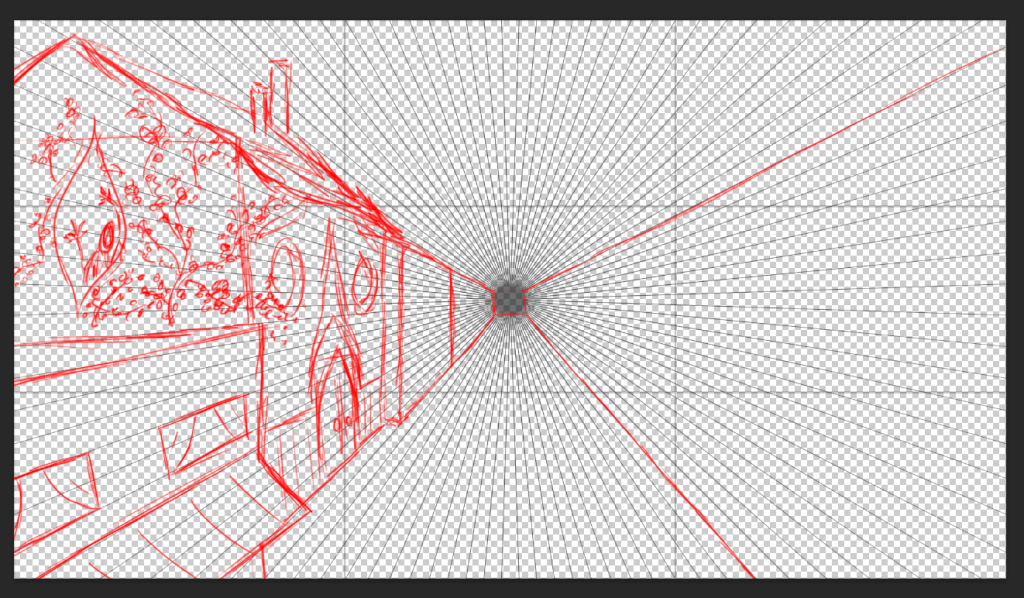
This is what I started off with on one side that I drew in the workshop after playing around with creating shapes and figuring out how the 3D shapes work by using the perspective grid. I wanted to try out a town setting and see how fitting different shapes into the buildings work.
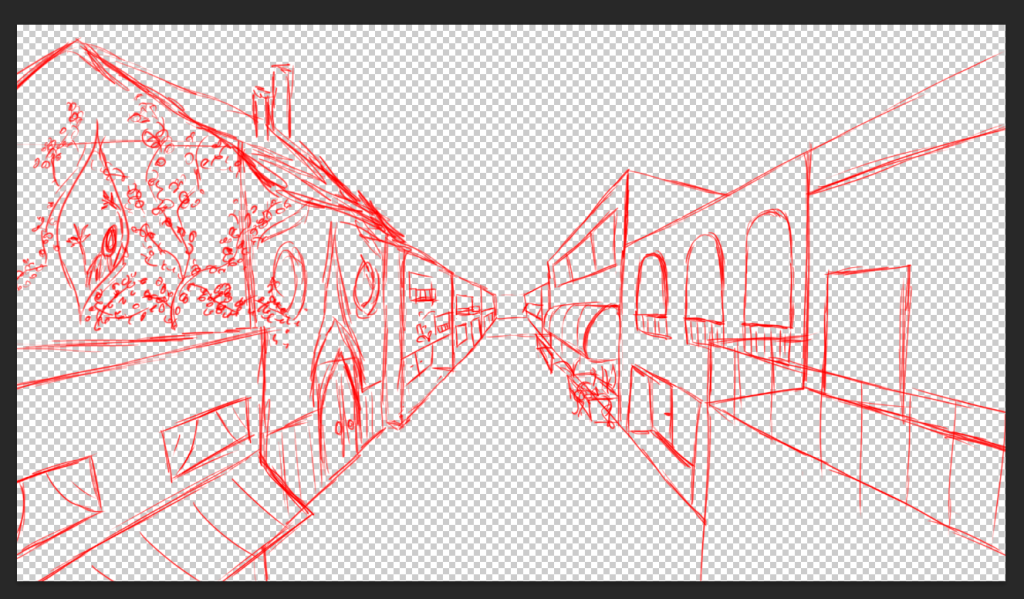
This is after I used the lines I drew to create the second side (without the grid) I tried to make different building shapes so it wasn’t a direct line from one side to the other to make a more interesting composition.
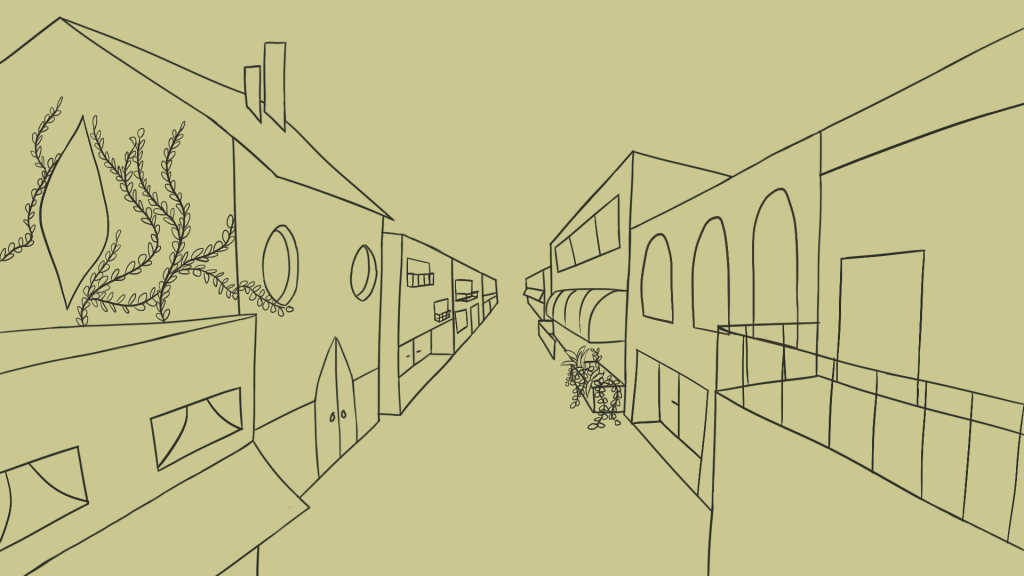
This is the final that I created from the one-point perspective, I ended up not using any of the tools to help like the line tool as I felt it was easier to use the brush to manually do it.
What did I like and what would I improve
I liked how using the grid made it easier to make the buildings more interesting and that it looks natural, when I tried perspective it didn’t really turn out right as there was usually something that looked off.
One thing I would improve on is the end of the town, I feel like I could’ve added in a line so it didn’t look so empty, I also feel like I need to look more at different one-point perspectives as I only really see the town and city drawings and pictures.
What have I learned
I feel like this workshop was quite helpful to create scenery from scratch rather than using references for when I need something specific.
I also learned how to create and use grids in photoshop, I feel like I will need to try it out more with a two-point and three-point perspective.
References
Catapano, J. (no date) How to draw a scene in one point perspective, howtodrawcomics. Available at: https://www.howtodrawcomics.net/one-point-perspective (Accessed: December 14, 2022).
Skojec (2020) Learn 2 point perspective, Art Class Ideas. Available at: http://artclassideas.blogspot.com/2020/10/learn-2-point-perspective.html (Accessed: December 14, 2022).
Heaston, P. (2013) A step-by-step tutorial on the basics of three-point perspective, Craftsy. Available at: https://www.craftsy.com/post/three-point-perspective/ (Accessed: December 14, 2022).
Leave a Reply