Link to Platformer: https://meg-h.itch.io/platformer-guy
The platformer was a simple process to follow but it did have a few parts I struggled with including the animation.
Scripting
Player movement and animation
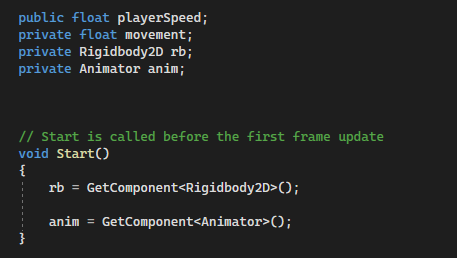
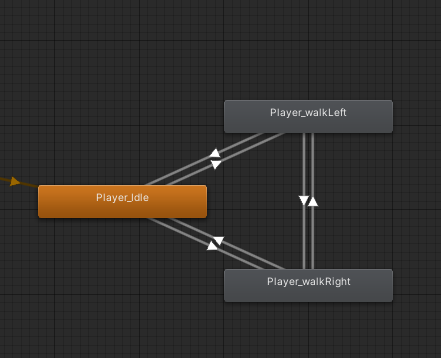
Using rigidbody2D and animator.
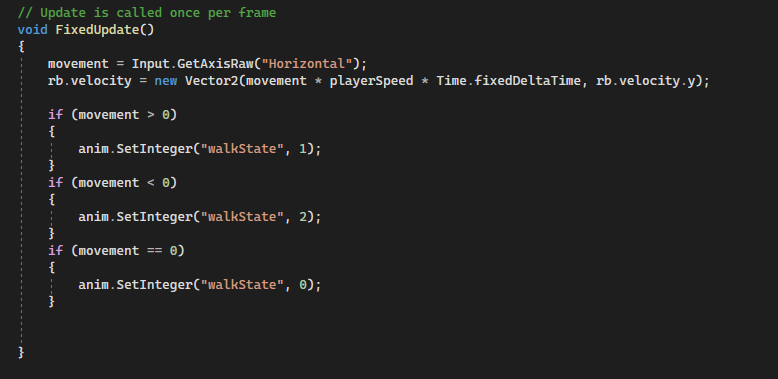
Instead of using the GetKeyDown command, I used the animations instead I used the walk states that I named in the animation to set when the player would change, the default animation is the player blinking but if the player moved then the animation would change.
I did have an issue with this as the player wouldn’t walk to the left even though it is on the animation where they are walking that way but I couldn’t figure out how to fix it.
Player Jumping
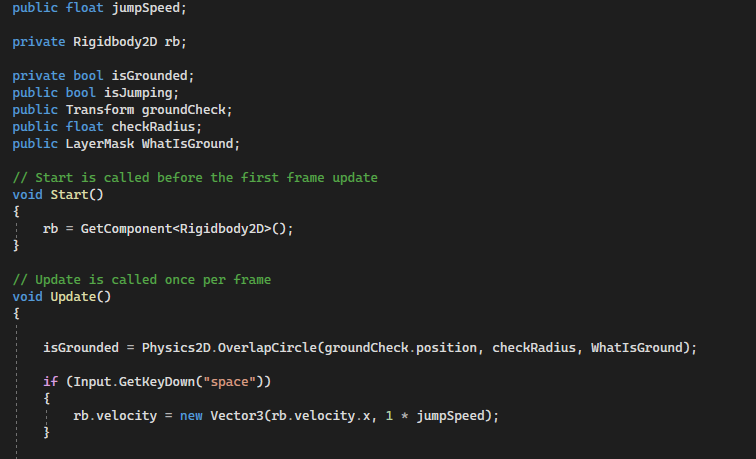
Using GetKeyDown so the game knows what button you have to press to execute this action which is jumping.
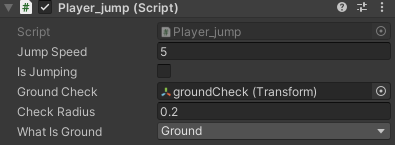
This allowed me to visibly check whether the player is jumping or not to see if there are any bugs, I applied the ground check and labeled what the ground was.
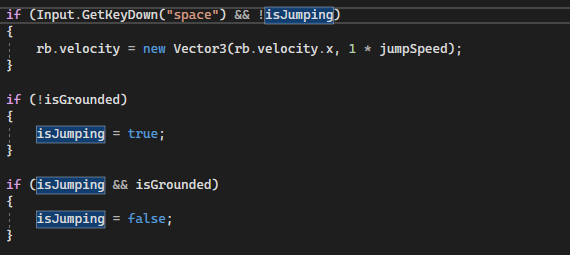
The isGrounded allowed for this script which meant my player could only jump once. If they were off the ground the collider would detect it and highlight the is jumping box and they would not be able to jump anymore, but if the collider detected the player was on the ground they would be able to jump.
Camera follows movement
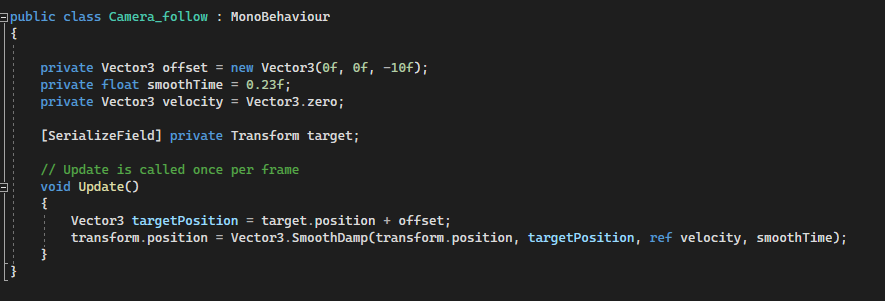

I used Vector3 to target a specific object and applied this to the camera. I was able to set the target by grabbing the player from the hierarchy and placing them in what to target. This gave a smooth camera movement.
Kill the player
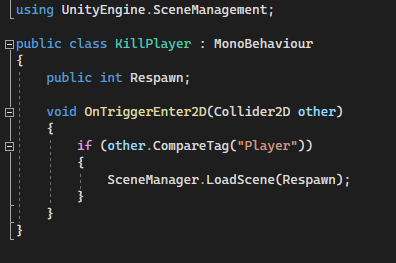
Using Unity scene management I did a simple collision which would place the player back at the start of the scene. Respawn means I am able to set which scene it is using int, where I will be able to put a number in which correlates to the scene number (from 0 onwards).
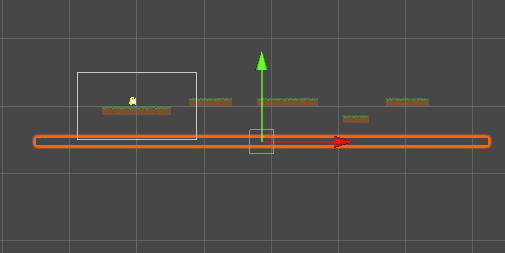
I can place this on any sprite that has the collider 2D in its components, including invisible blocks! which is what I placed below the scene so if the player fell off the map they will be placed right back at the start.
Sprites

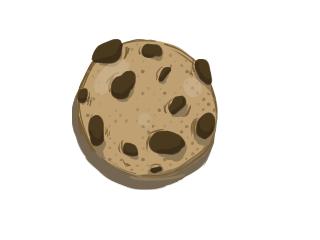
This is the idle animation of my player, I didn’t have any inspiration I just wanted him to be a painted blob-looking character to go with the tile theme.

I used this to make a tile which I tried to create so that it was able to repeat itself and overlap.
How I could develop the game further
I would make a few levels for the platformer including using more scenes and making it more difficult.
What I learned
- How to use tiles.
- How to use the animation and how to link up the animations so they can smoothly transition.
Leave a Reply