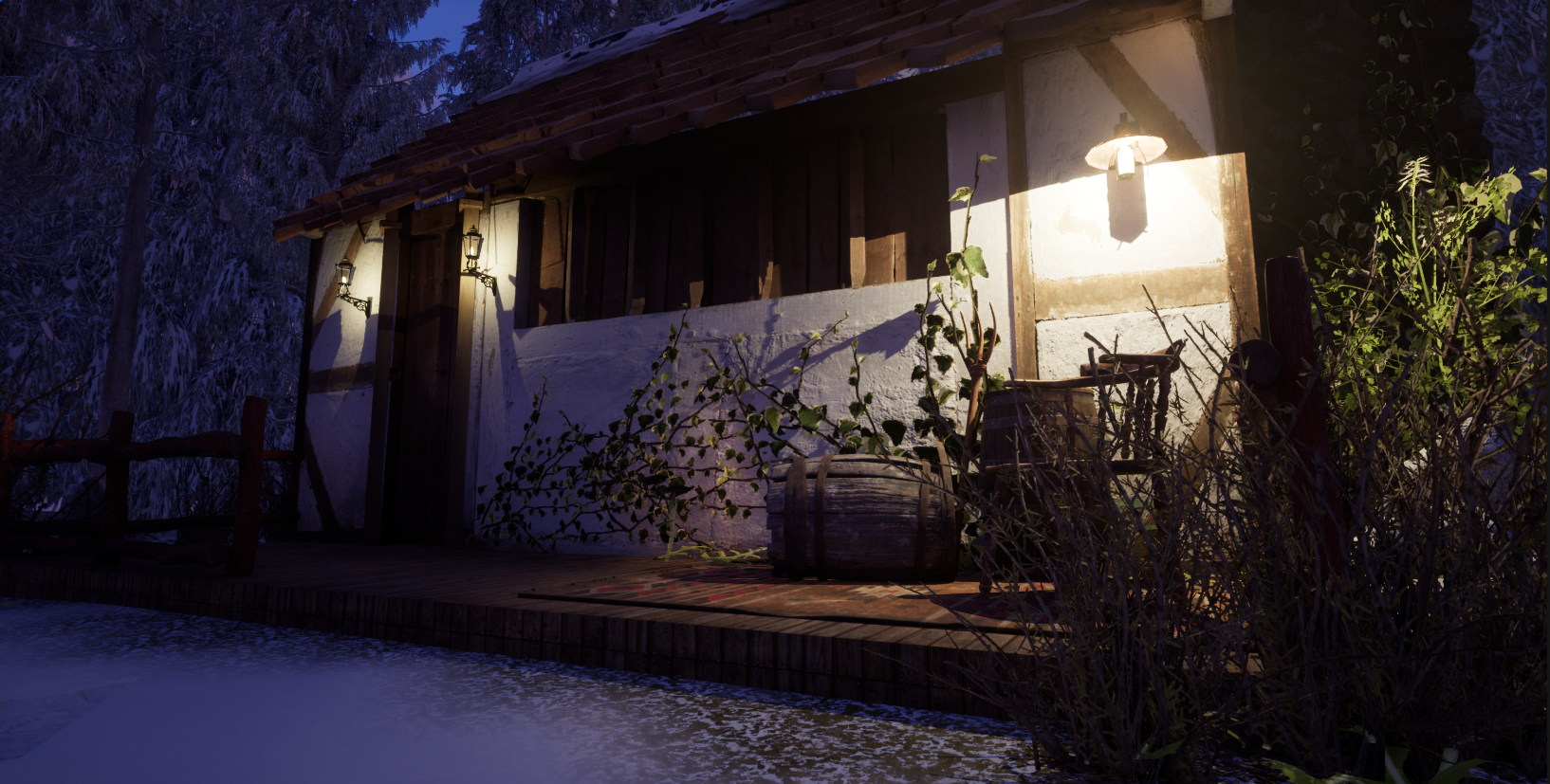
Before rendering I have to set up the lighting and camera, I am going to start with beauty shots and render 3 of them, one close-up, one whole model shot, and a focus on a specific detail.
Lighting
I chose to go with a simple lighting set up which is 3 point perspective I used this website and the picture below to help, I wanted the lighting to be low but still visible to create a horror look but to show off the model I didn’t want to remove any features.
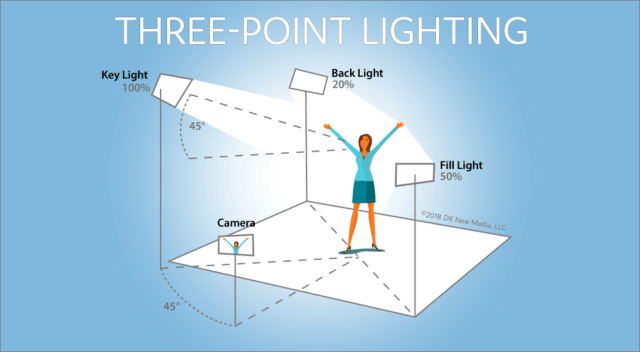
I used this to set up my lighting, I had the intensity settings set up with the key as 5 levels of intensity, the fill as 2.5, and the backlight as 1.
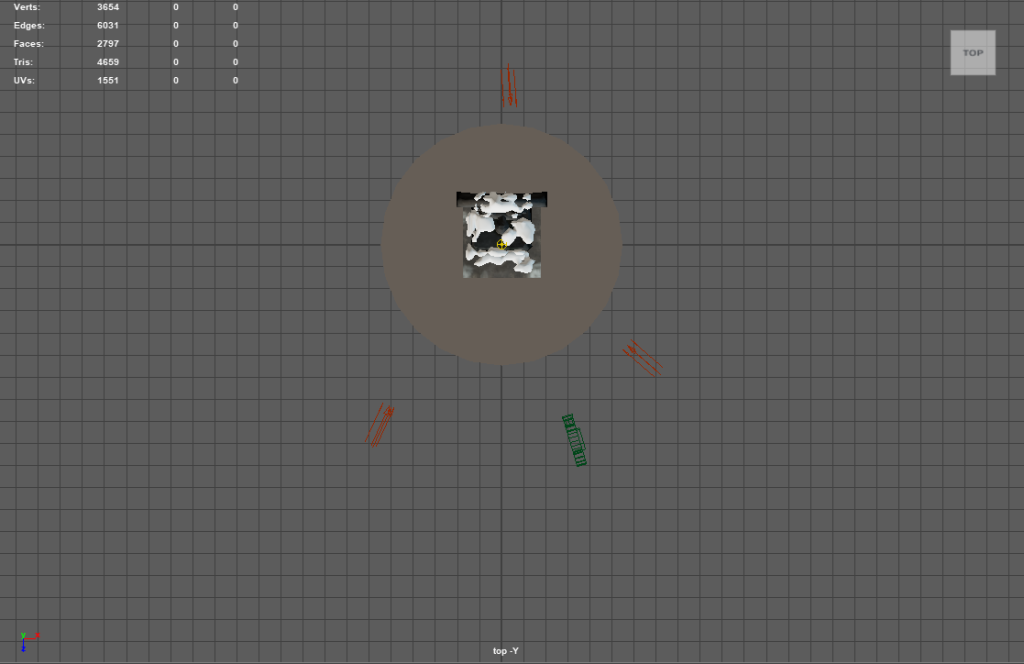
This setup created this image
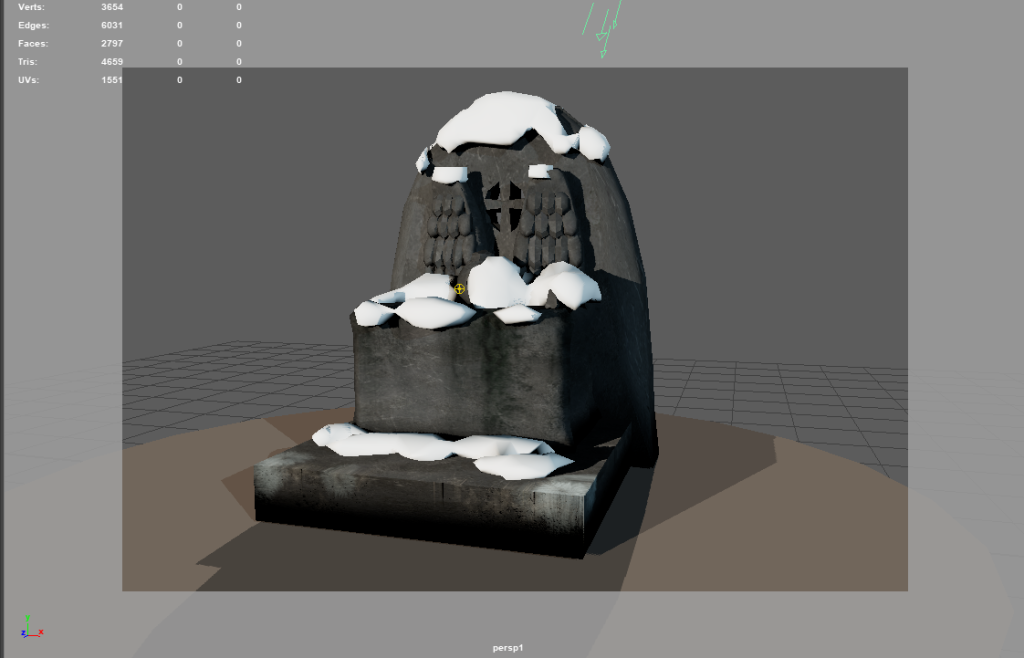
I set up three separate cameras for the beauty shot so now all I have to do is multiple shots to create a video.
Camera set up
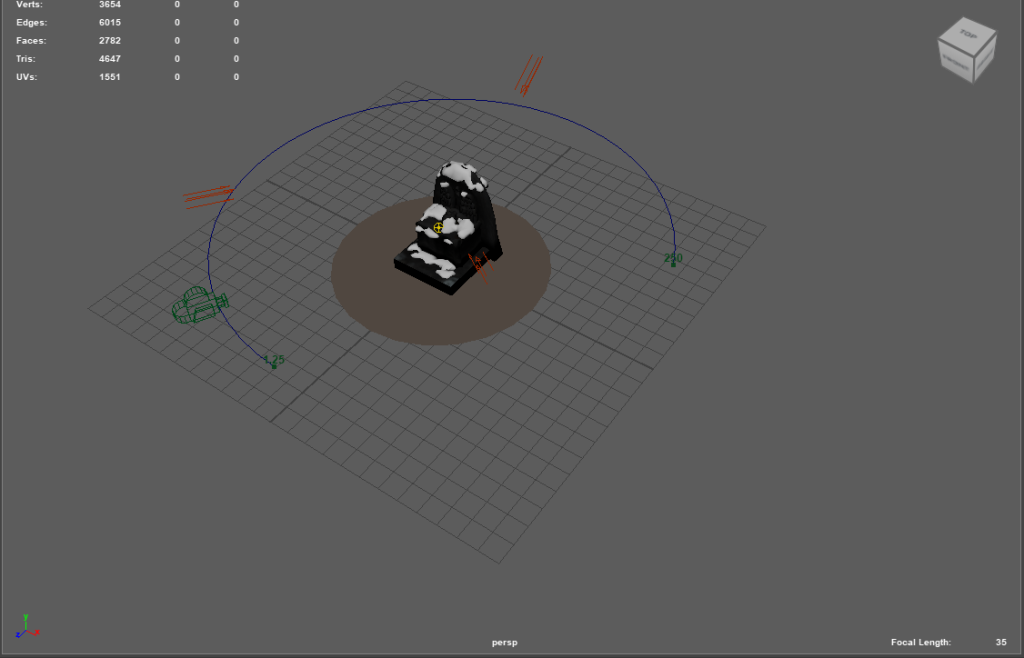
I chose to use the curve tool and parent the camera to the curve to make the videos showcasing the model. For example, I used curves like this:
References
Sarfaraz, N. (2020) What is three-point lighting? 5 tips for setting up three-point lighting., Cinemagic. Available at: https://www.cinemagics.com/post/what-is-three-point-lighting-5-tips-for-setting-up-three-point-lighting (Accessed: 28 April 2023).
Leave a Reply