I first added an automatic UV to the whole model, this would allow me to add textures and pack the bits I need to into these separate textures to avoid them crossing over.

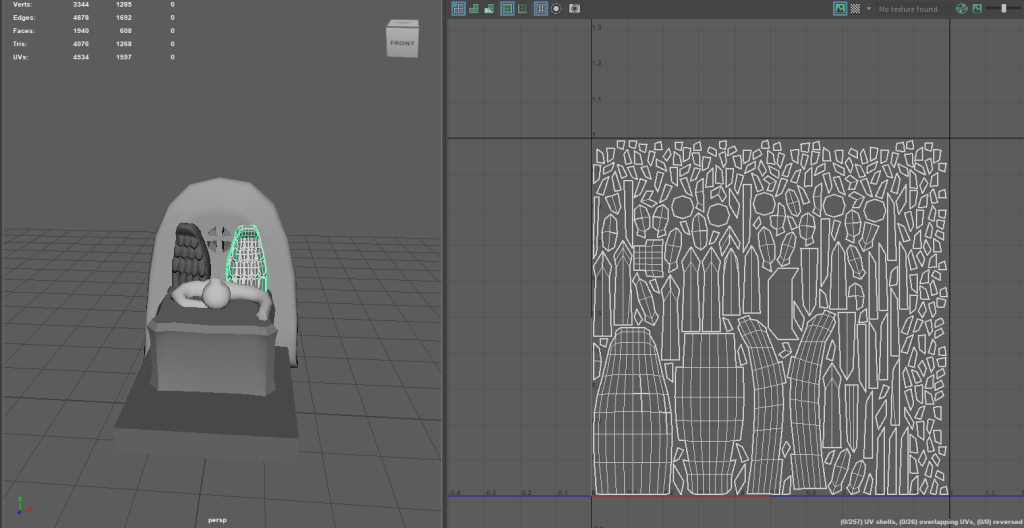
For the wings I originally tried to put them together but there were a lot of faces to pack so I ended up separating them to make the process easier.
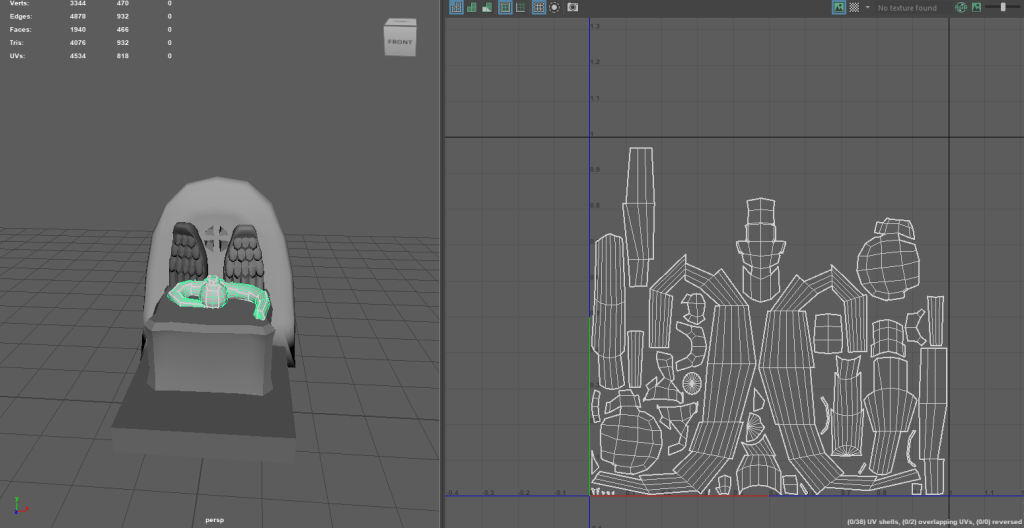
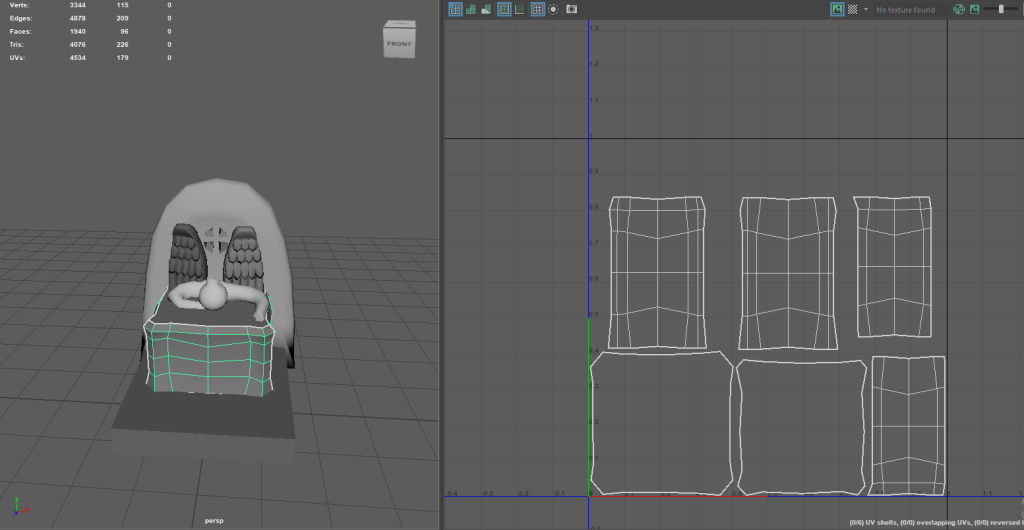

I used the UV toolkit to separate them more and give each piece a bit of space. This process was made easy from the UV toolkit as all I had to do was edit how I wanted it to be packed into the editor and it would do it for me, I only had to make a couple of edits with a couple so I could utilise the space better.
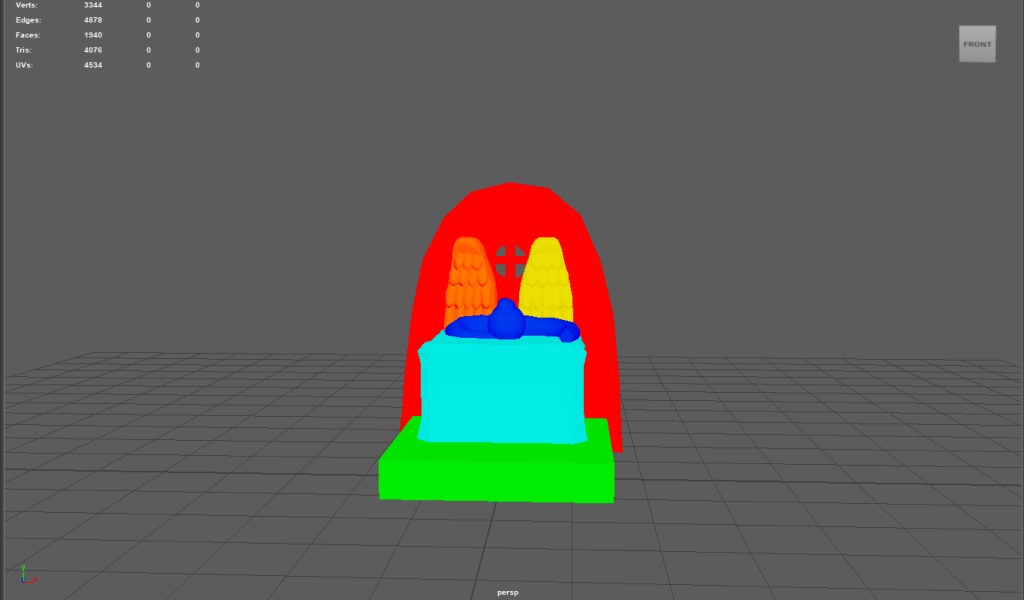
Substance Painter 3D
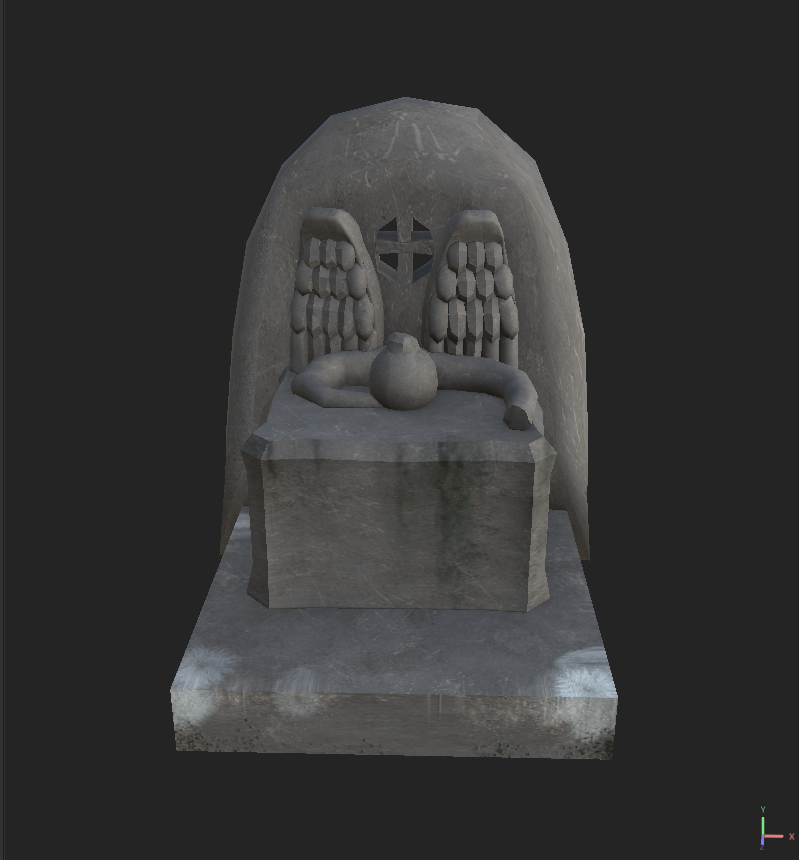
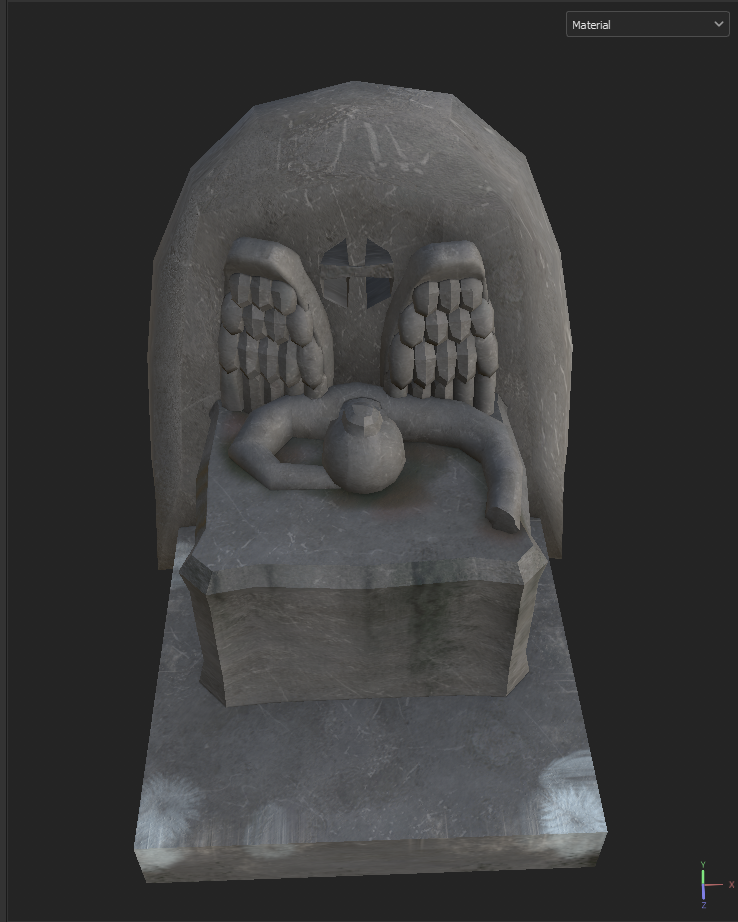
This is the Texture I created in 3D substance painter, I used one of the concrete materials on all of the surfaces, I added the most detail to the base and the altar as I used a paint layer to go over these parts with different brushes and textures.
For the base I used another concrete material along the base to emphasize the roughness of this part and add in a bit of dirt and frost for when I add the snow.
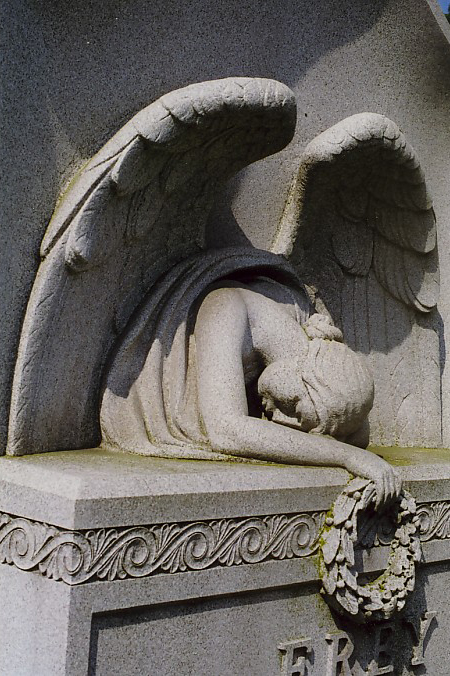
On the altar and angel, I used a rust material and brushes to help with the weathered look by keeping in mind how limestone looks I changed the colour from orange to a greyish green which emphasized the erosion. I also added some discolouration to the angel and underneath which I got the inspiration to do from one of the angels of grief.
(Einarsson Kvaran, E. (2006) Angel of grief, York)
Adding snow
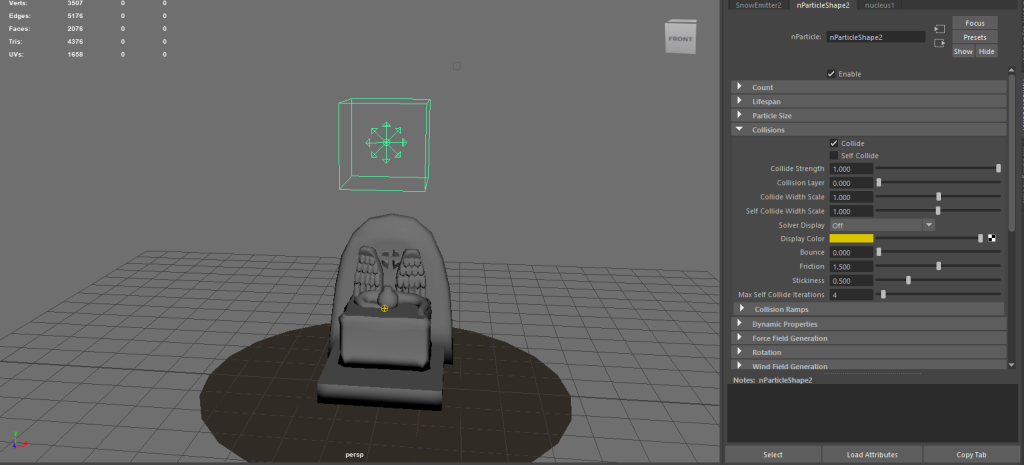
I decided to follow a youtube tutorial for this which helped to create a low poly snow effect by using the particle effects. I used this tutorial by Digital Dreambox (2021): https://www.youtube.com/watch?v=NE9AyZ4kswM&t=170s
This tutorial really helped me to create the snow I wanted. I did encounter a couple of issues like a few particles being outside the area and just deleting particles I didn’t want in certain spots. I got rid of particles by changing the lifespan to “lifespanPP only” which allowed me to go into the component editor and change the duration to 0.
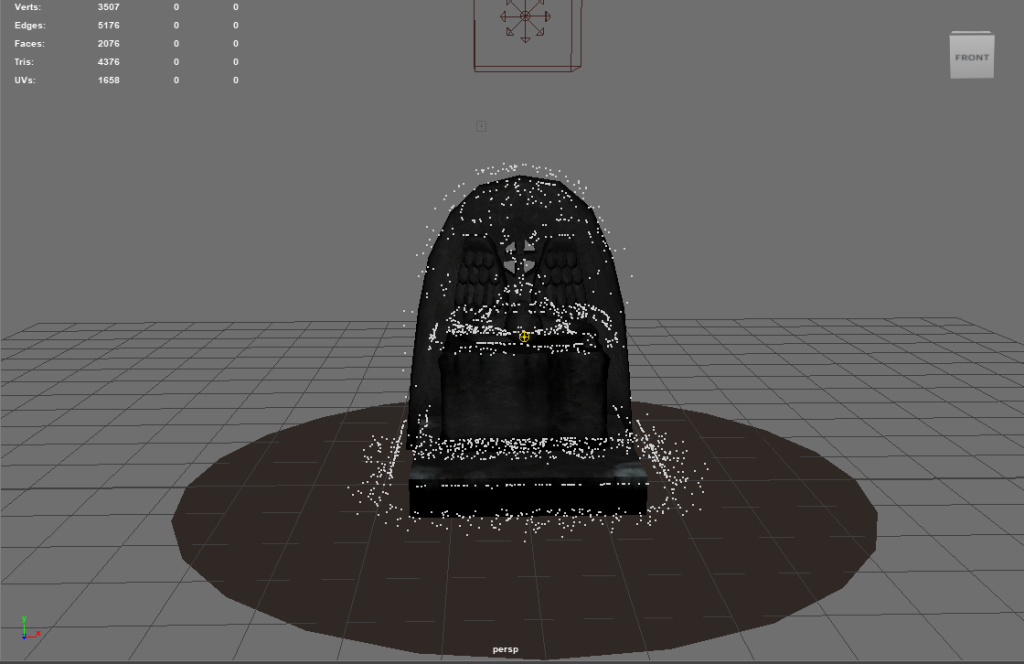
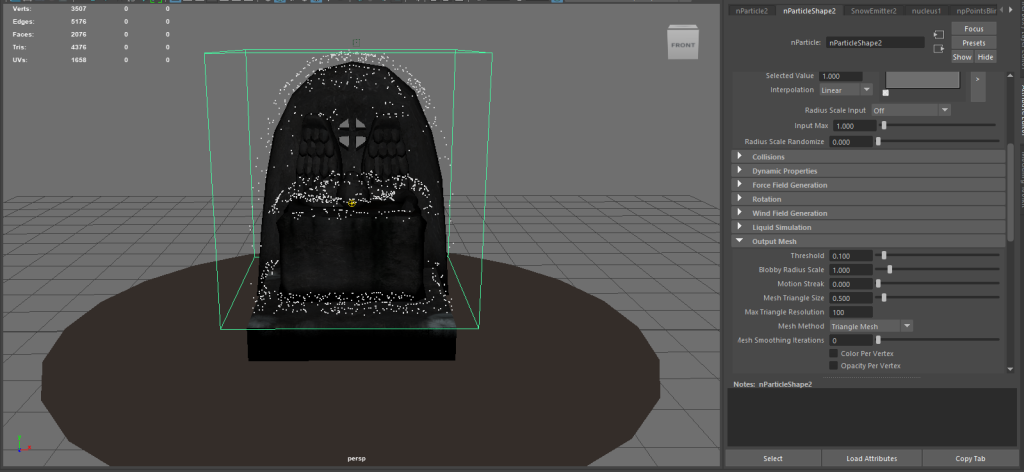
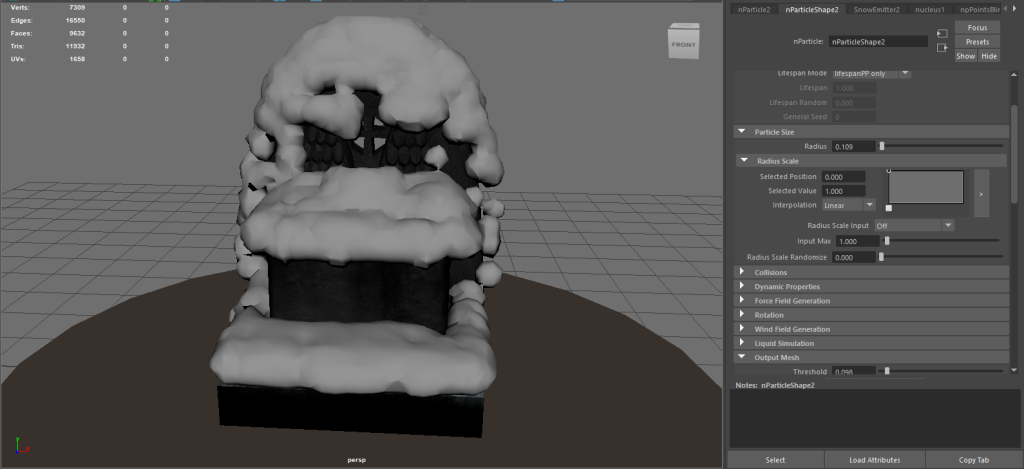
I used the particle size radius which only helped me a bit so I used the output mesh tools to get a smaller radius of snow without removing it from the areas it spawned in.
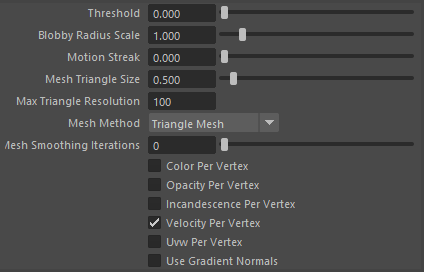
The ones I used were the threshold, blobby radius scale and mesh triangle size.
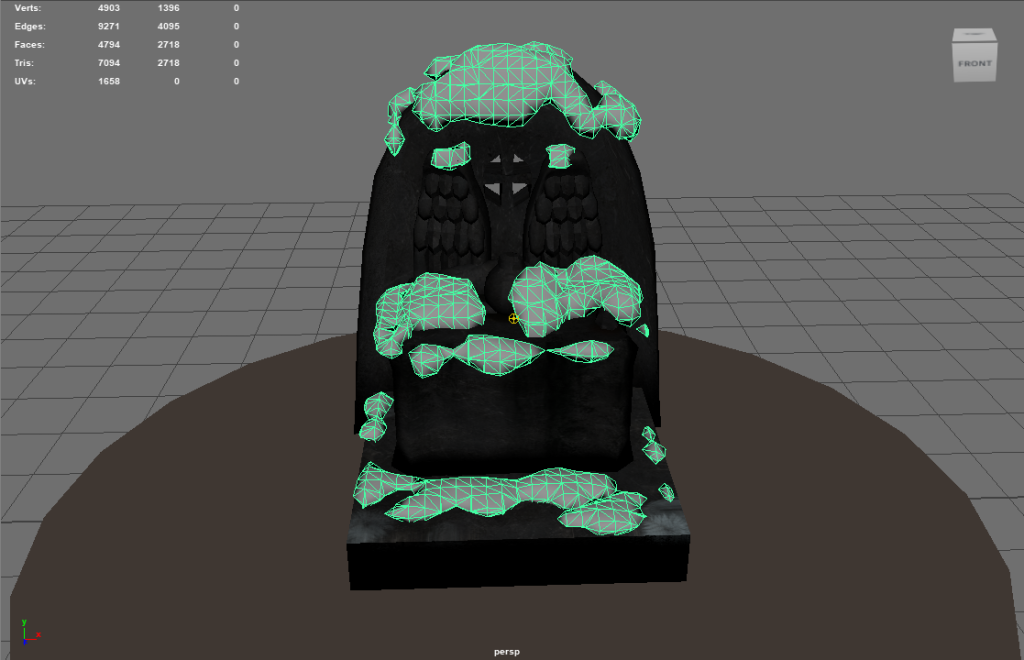
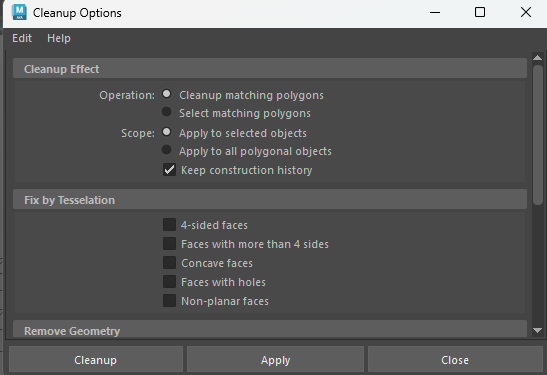
I was over the poly count so I used cleanup in Mesh, this allowed me to reduce the faces on the snow and I did a little bit on the rest of the model as I tried more but it ended up ruining it.
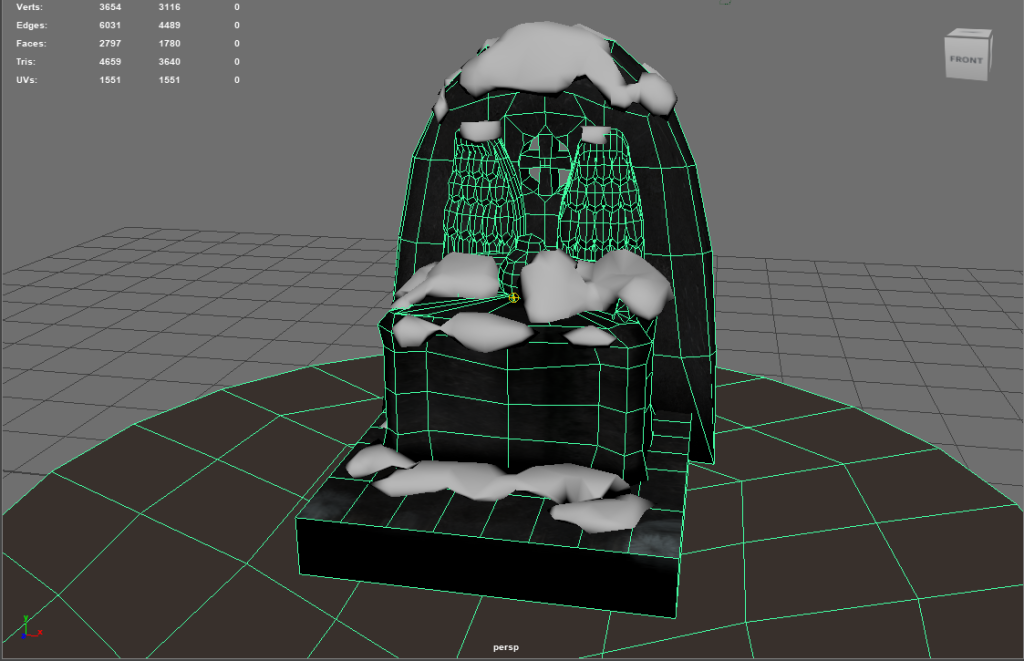
The Model
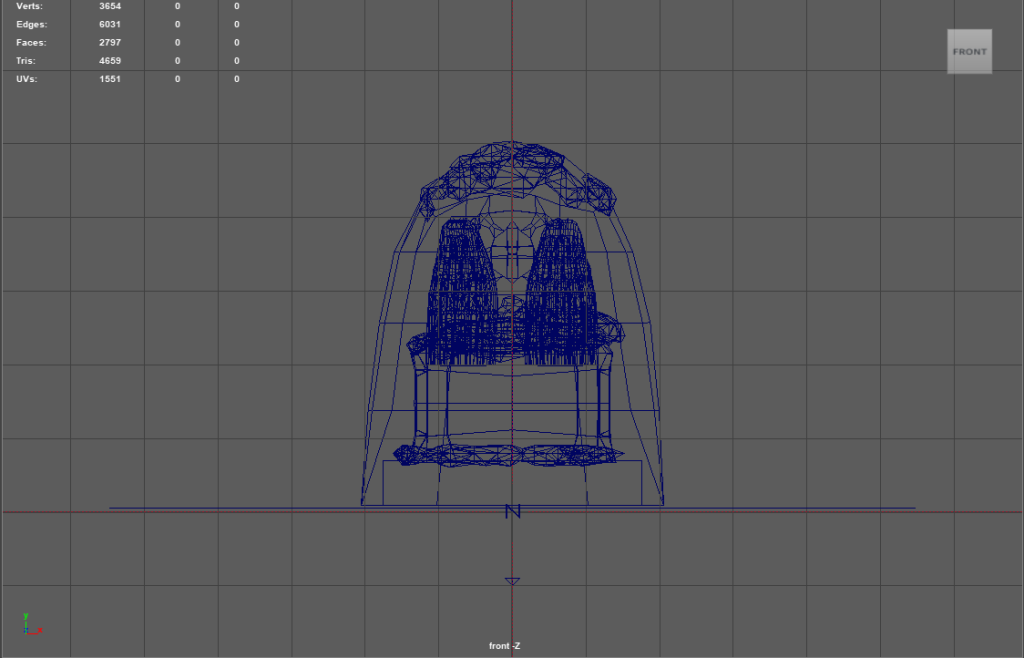
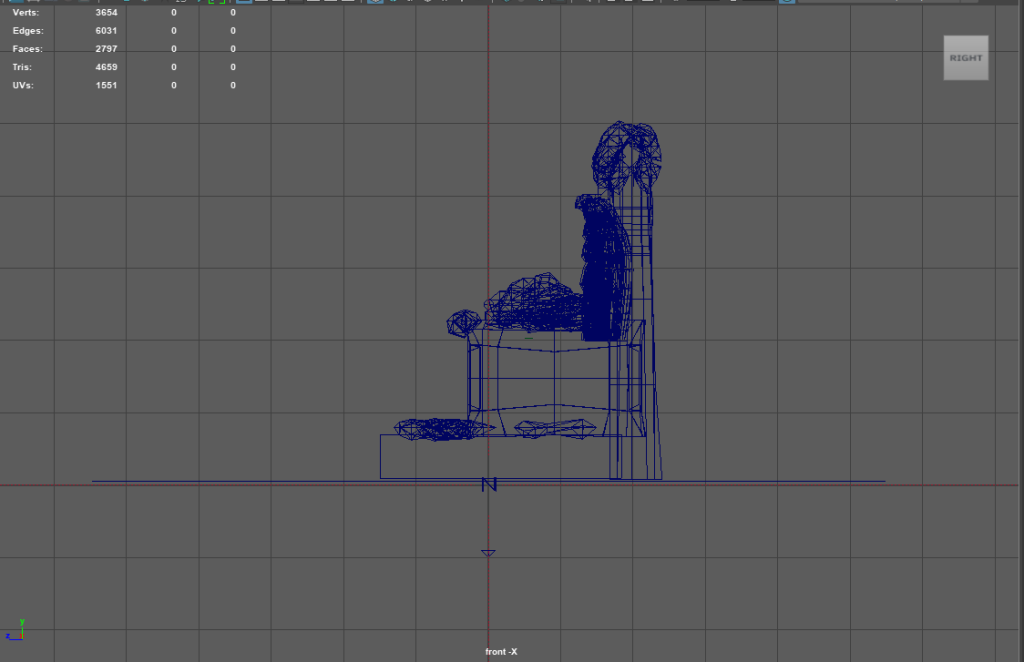
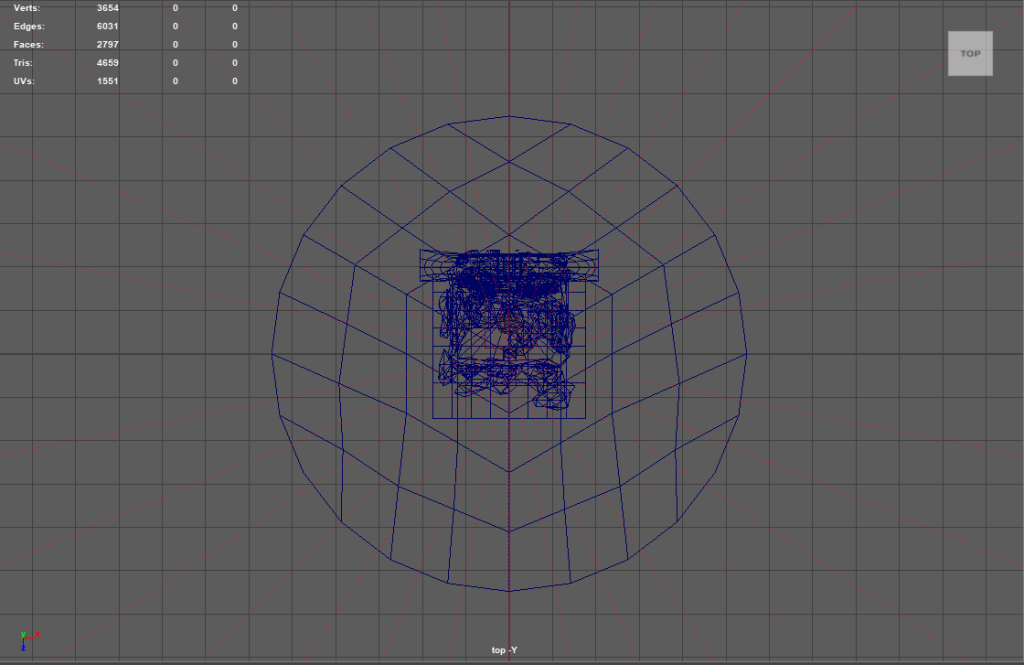
Another view in Orthographic view in wireframe mode.
References
Digital Dreambox (2021) Model low poly snow in Maya, YouTube. Available at: https://www.youtube.com/watch?v=NE9AyZ4kswM (Accessed: 26 April 2023).
Einarsson Kvaran, E. (2006) Angel of grief, Wikipedia. Available at: https://en.wikipedia.org/wiki/Angel_of_Grief#/media/File:Angel_of_grief_-_York_PA.jpg (Accessed: 18 March 2023).
Leave a Reply